18 Acterna OLS-55/-56
4 OPERATION
Main Menu
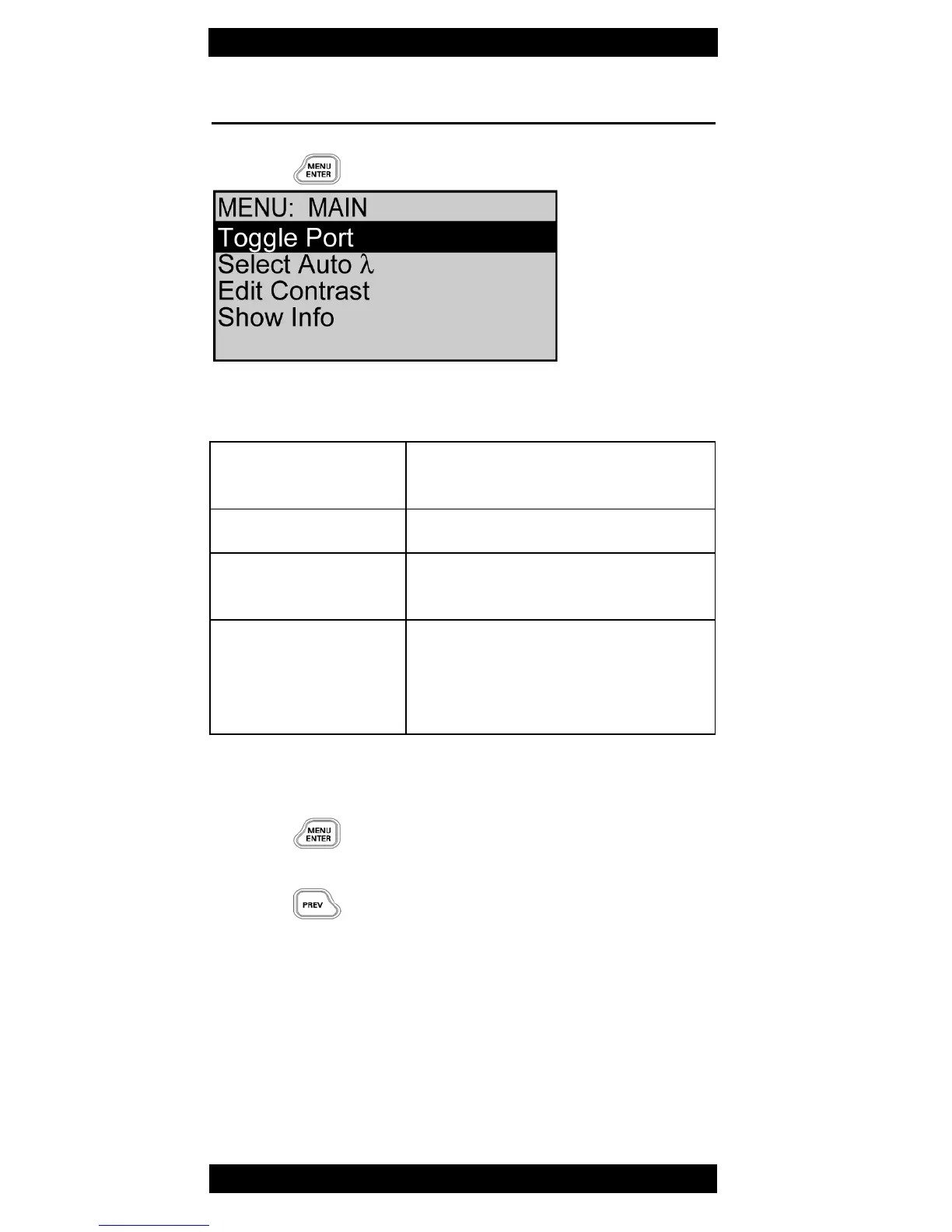
⇒ Press to open the MAIN menu.
Fig. 9 MAIN menu
Selecting an item
1. Press ▲▼ keys to mark the desired item.
2. Press
to select it.
Leaving the menu without changes
⇒ Press
Toggle Port OLS-56 only: Toggle between
the two ports
Select Auto λ Switch ON/OFF AUTO λ
Edit Contrast Adjust display contrast (see
page 19).
Show Info View device information: device
name, family, serial number,
calibration date, software
version, battery type.



 To Next Page