22 Acterna OLS-55/-56
4 OPERATION
Power level
The power level
• can be set for each wavelength separately
• can be set for each port separately
(OLS-56 only)
• can be set in laser off and on mode
• will be stored when changing the wavelength, toggling
the port (OLS-56 only) and during power off.
Power level ranges
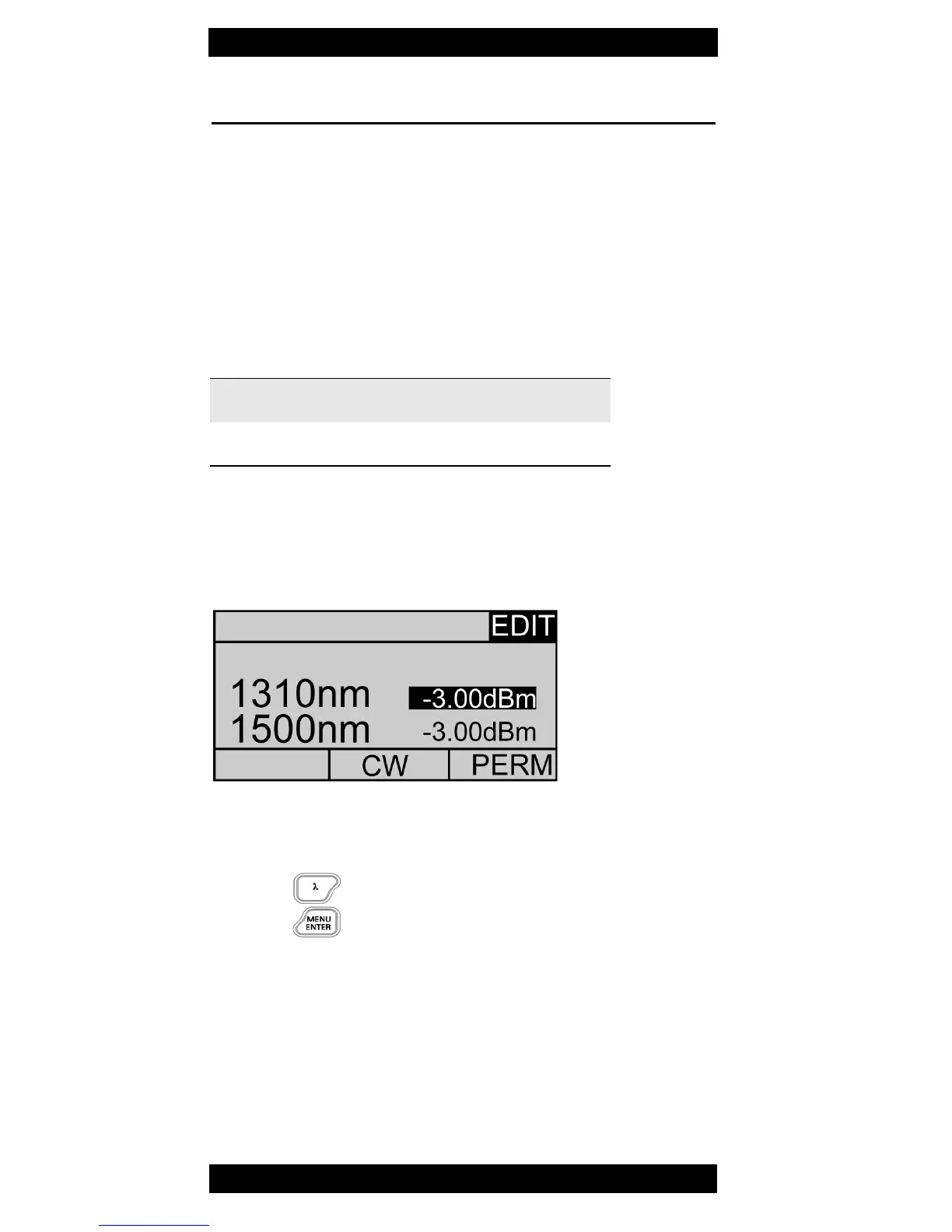
Setting the power level
1. Press LEVEL ADJUST
The display changes to EDIT modus
The first wavelength is highlighted
2. Press ▲▼ increase/decrease level
- press once for 0.01 dBm steps
- hold key to accelerate change speed
3. Press to select next wavelength.
4. Press to set level and leave EDIT mode.
CW mode: 0 to -7 dBm
Modulated and Auto λ: -3 to -10 dBm



 To Next Page