Acterna OLS-55/-56 19
4 OPERATION
Basic operation
Adjust display contrast
⇒ Select Edit Contrast in the MAIN menu
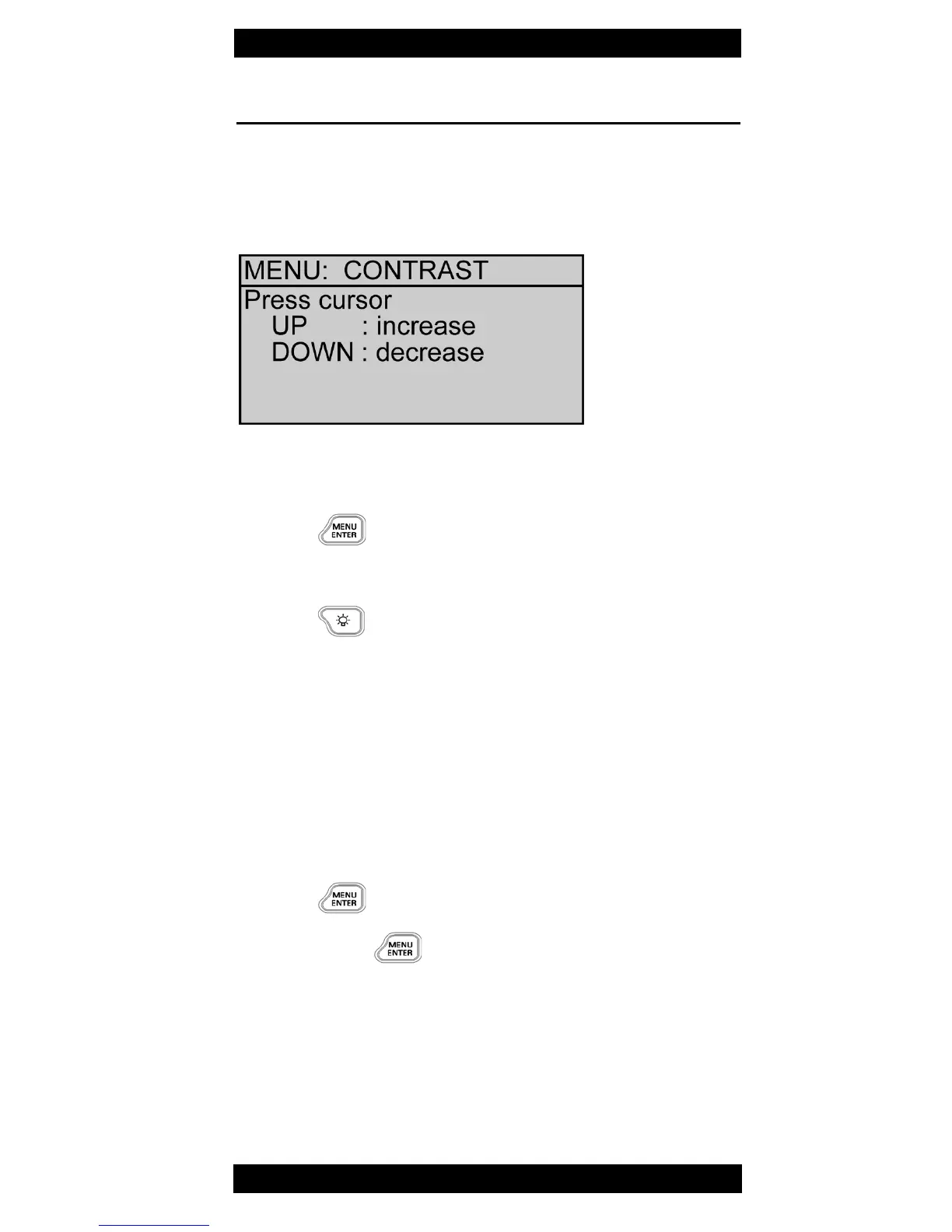
The CONTRAST menu opens.
Fig. 10 CONTRAST menu
1. Press ▲▼ to increase or decrease contrast.
2. Press to store value and leave menu.
Backlight
⇒ Press to switch backlight on and off.
Note: Backlight will not switch off automatically.
Switch Laser ON/OFF
⇒ Press LASER ON/OFF to toggle between ON and
OFF mode.
At OLS-56 the actual selected port will be switched
on/off.
Toggle port (OLS-56 only)
1. Press
The Main menu opens.
2. Press again
The other port is active.



 To Next Page