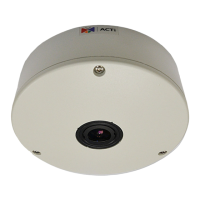
ACM-4201 Hardware User’s Manual
11
Basic Connections
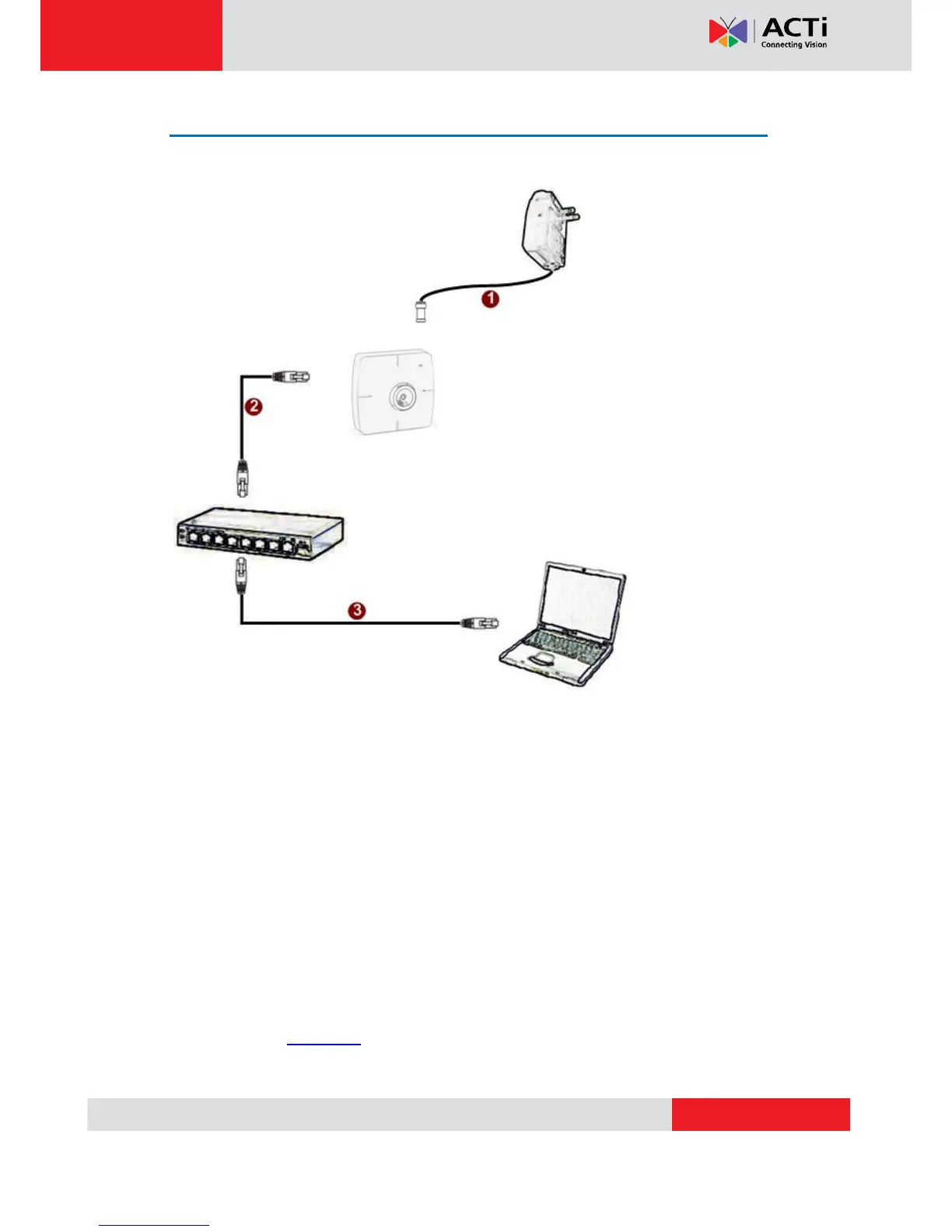
Follow the procedures below to connect the IP device to the respective apparatuses.
If you have a PoE (Power over Ethernet) supported switch or injector: (PoE Enabled
version only)
1) Connect your IP Camera to the Switch / Injector by CAT5 or CAT6 cables with RJ45
connector.
2) Connect your Switch / Injector to PC with another CAT5 / CAT6 network cable.
If your switch does not support PoE, and you are powering the camera with power
adaptor:
1) Connect the power adaptor to IP Camera
2) Connect IP device’s Ethernet port to Network switch (via RJ45 connectors).
Connect a PC to the Ethernet switch (via RJ45 connectors)
Please refer our PoE Guide for more details on Power over Ethernet related concepts.


 To Next Page