Hardware Manual
19
Step 3: Install the Camera
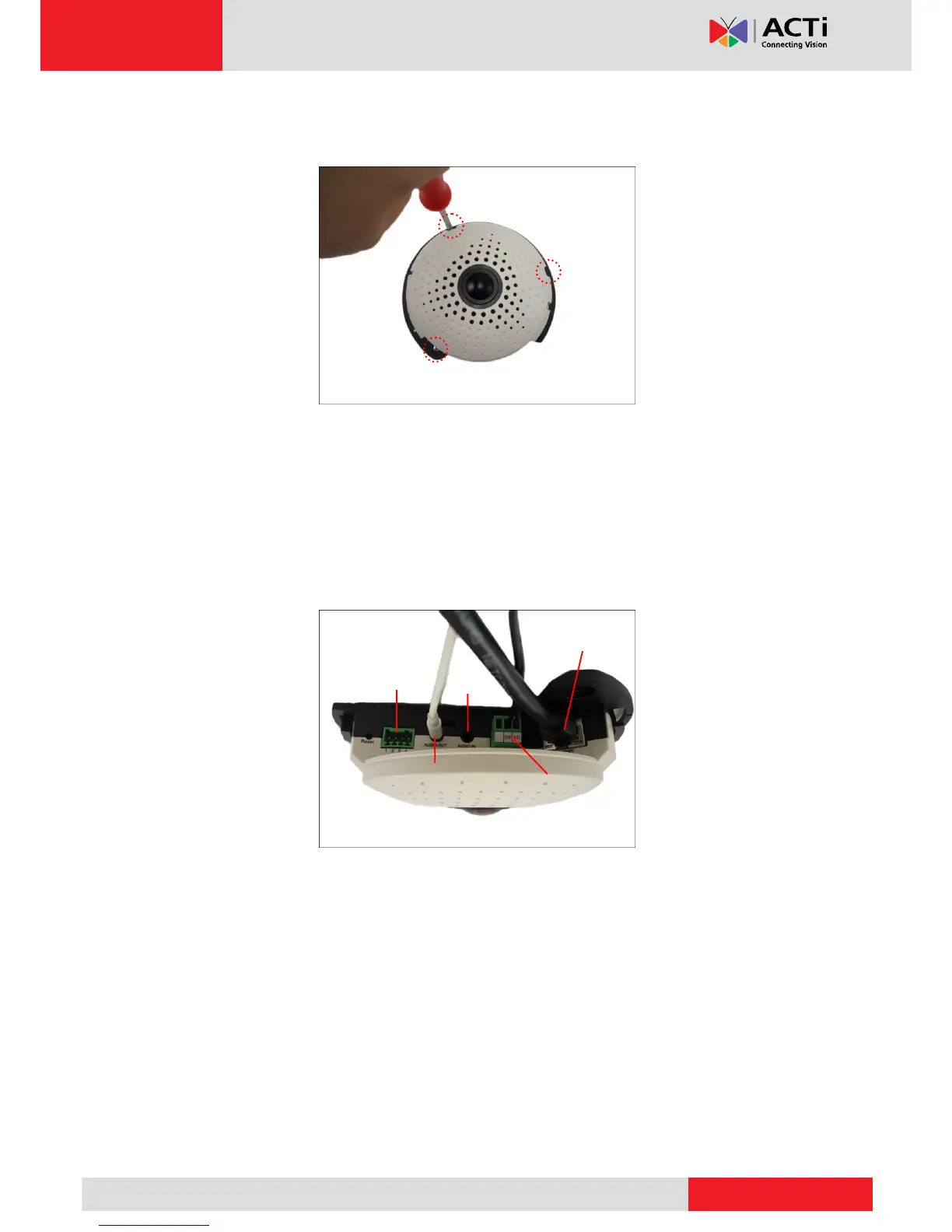
Install the camera using the three (3) supplied screws.
Step 4: Connect the Cable(s)
1. Connect the Ethernet cable to the Ethernet port of the camera.
If necessary, connect other cable connectors (optional), like audio input/output, DC 12V
power, and DI/DO.
NOTE: The cables are not included in the camera package.



 To Next Page