Hardware Manual
21
Step 5: Complete the Installation
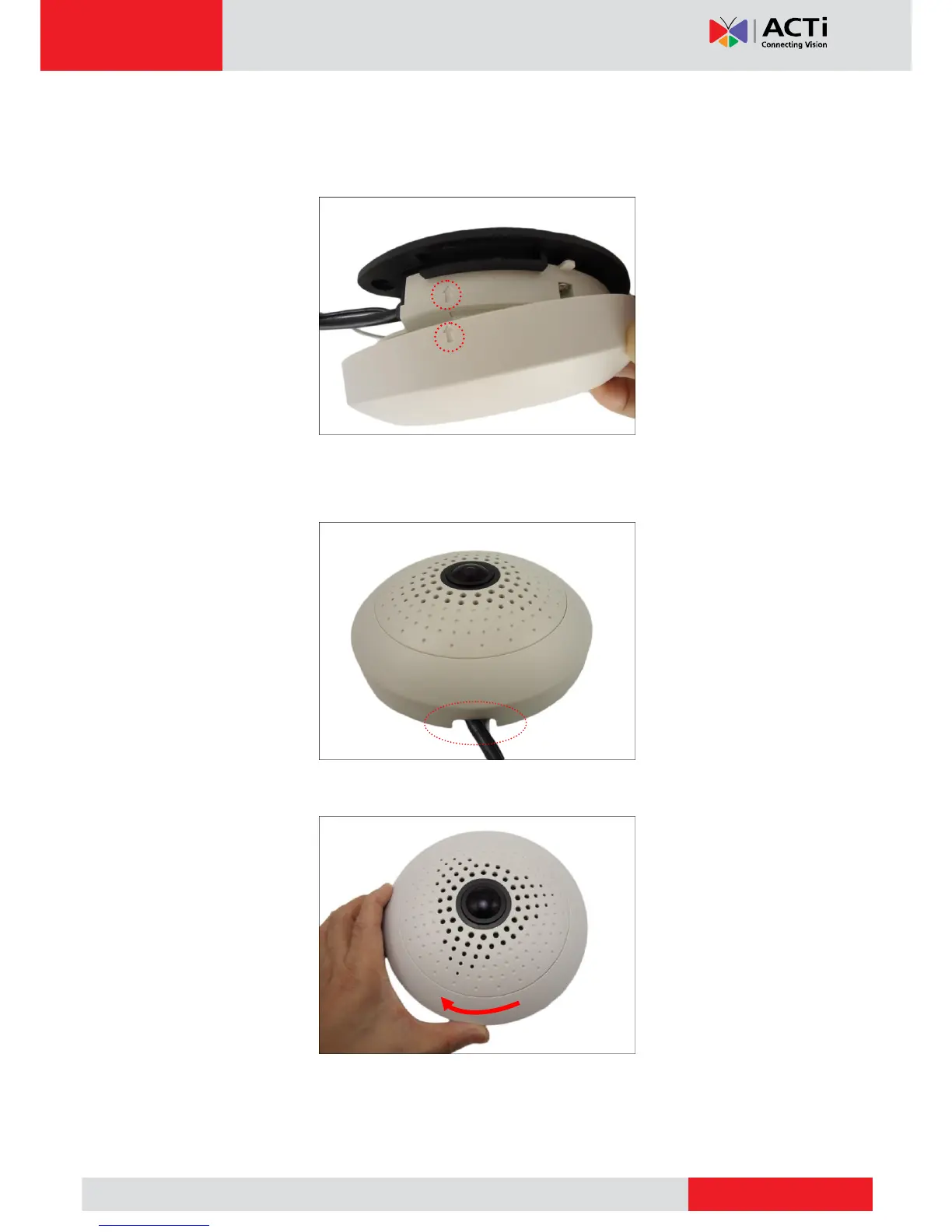
1. Attach the cover ring, take note that the arrow on the camera should be aligned with the
arrow on the cover ring.
NOTE: If the cable(s) will be routed along the ceiling or wall, route the cable(s) through the
cable gap of the cover ring.
2. Twist the ring counter-clockwise to secure the ring to the camera.



 To Next Page