Installation Guide
11
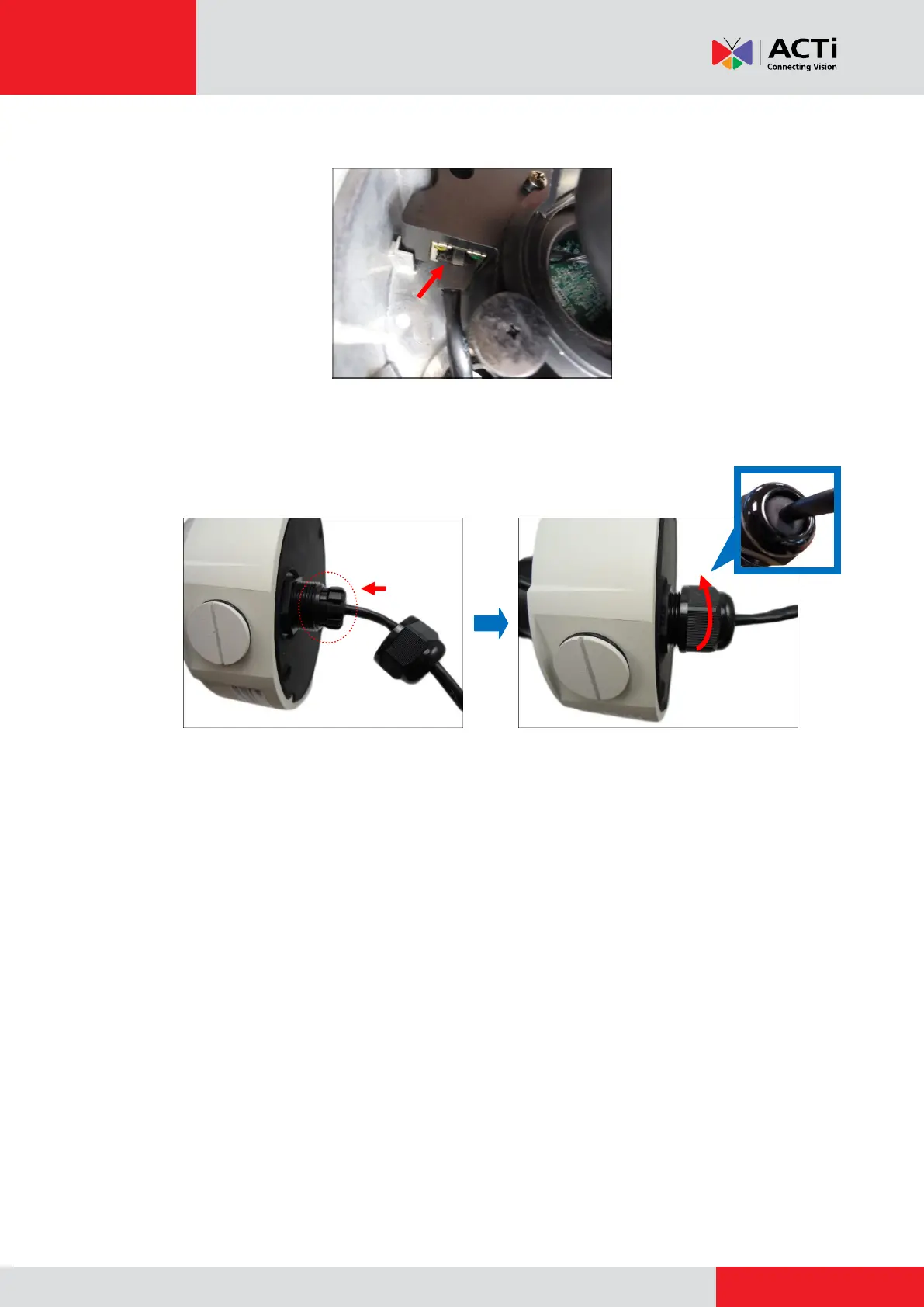
6. Connect the network cable to the Ethernet port of the camera.
7. Insert the sealing insert with the claw into the gland body and then attach the clamping nut to
complete the cable solution.
NOTE: Make sure the clamping nut is tightly attached to the cable gland body and the sealing
insert is squeezed tightly.
8. Proceed with Step 6: Install the Camera on page 16.



 To Next Page