Installation Guide
6
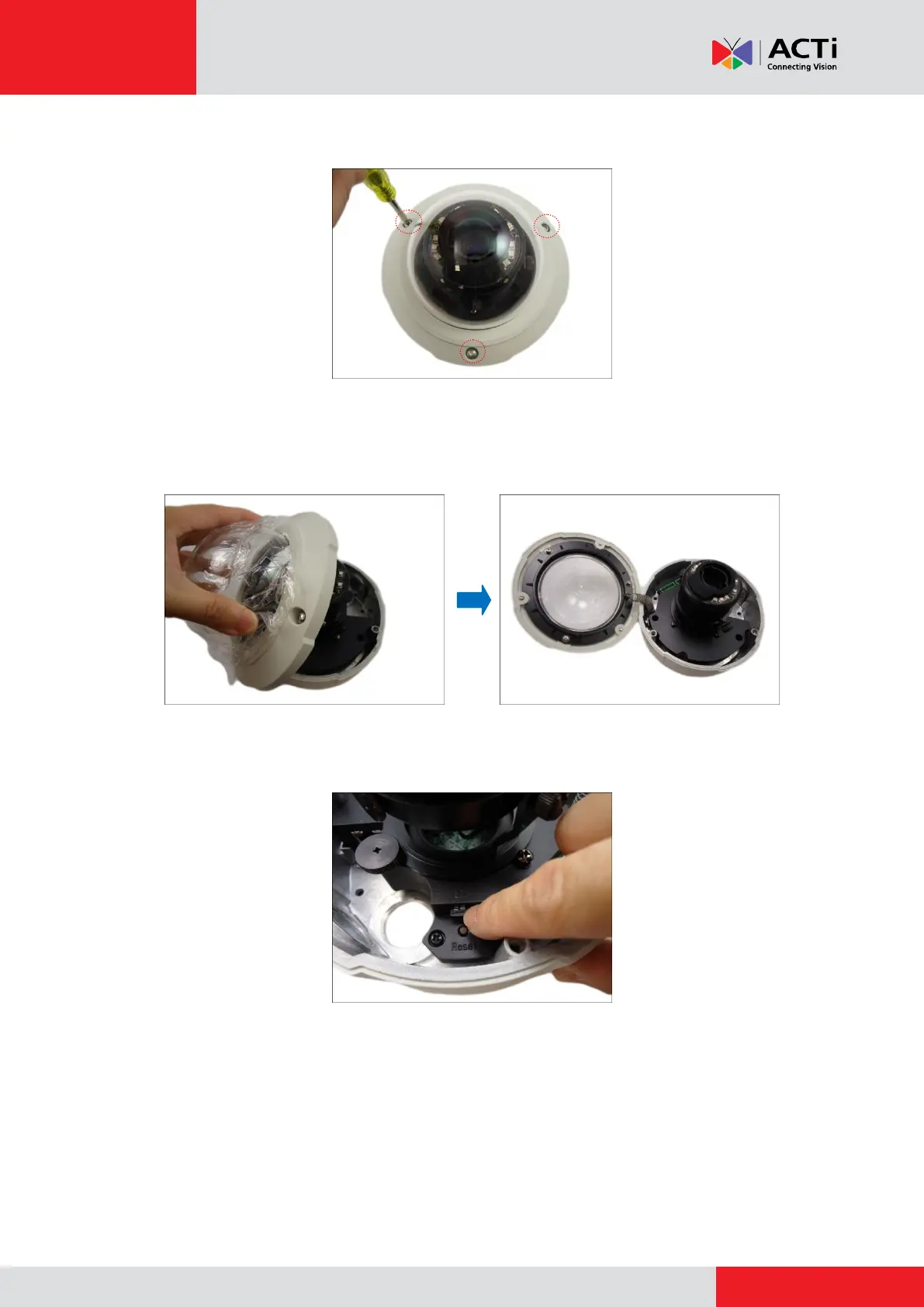
2. With the bundled hex screwdriver, loosen the three (3) screws securing the dome cover.
3. Carefully lift to open the dome cover and place it on the side of the camera.
NOTE: Do not abruptly lift the dome cover; it is attached to the camera with a spring wire.
4. If necessary, insert a memory card, with the metallic contacts facing down, into the card slot
of the camera. Push the card until it clicks into place.



 To Next Page