Hardware Manual
19
Waterproof the Cable Connections
The camera itself is waterproof, however take note that the cable connections are not.
If the camera is mounted directly on the ceiling/wall where the cables pass through the
ceiling/wall, then your installation is complete and you do not need to waterproof the cable
connections.
However, if the camera is mounted where the cables may be exposed then it is recommended to
waterproof the cable connections or use a junction box.
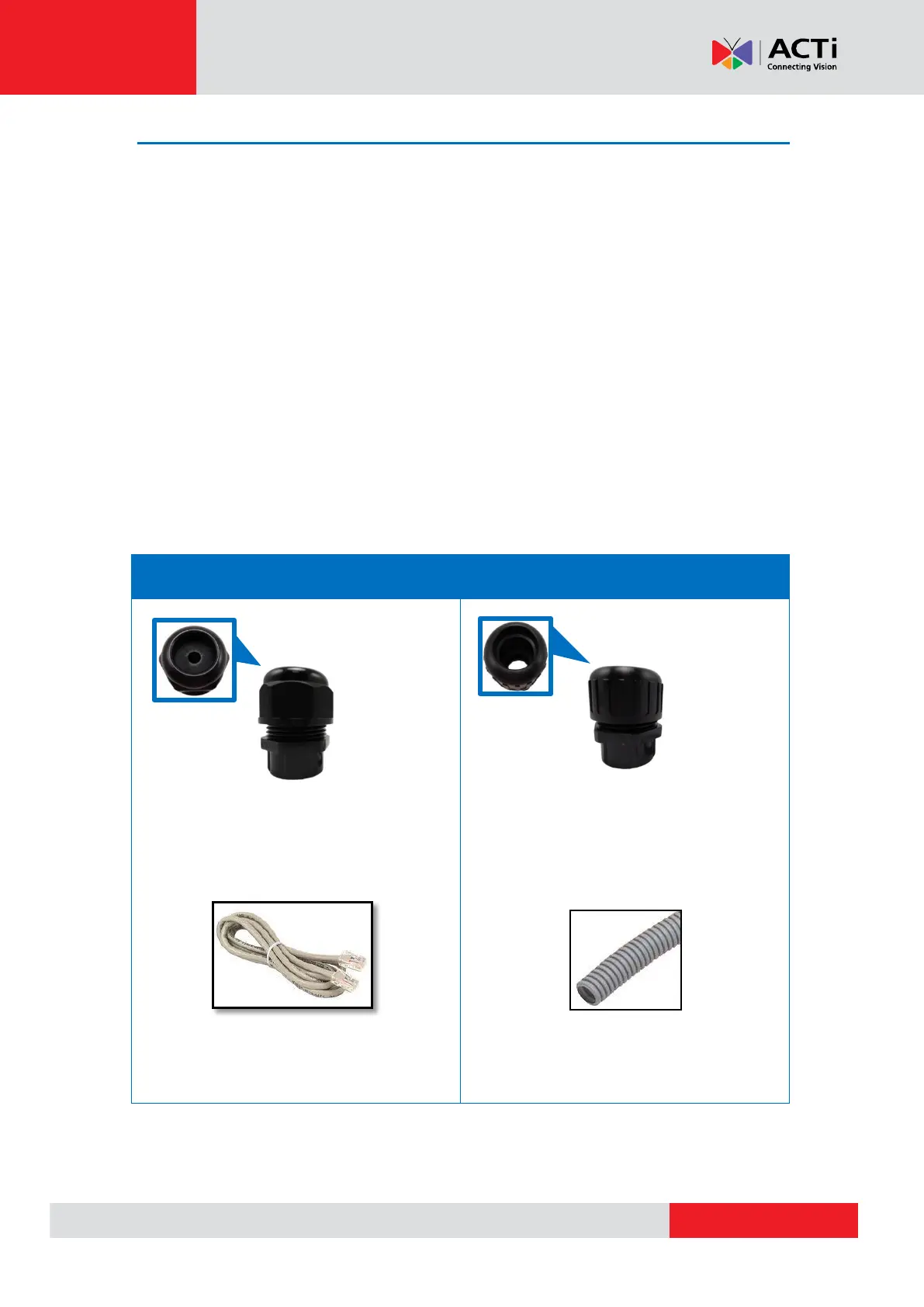
The camera comes with a Cable Gland and Conduit Gland. It is recommended to use one of
these glands when a high PoE injector will be used with the camera. However, if the bundled
power adapter will be used or digital input/output devices will be connected (see Other Cable
Connections on page 30), it is recommended to house the cables inside the junction box (see
How to Use the Junction Box on page 28).
For use with an exterior-grade Ethernet cable
(not included in the package).
See How to Waterproof the Cable Using
the Cable Gland on page 20.
For use with 1/2” flexible conduit (not
included in the package).
See How to Waterproof the Cable Using
the Conduit Gland on page 24.



 To Next Page