Hardware Manual
13
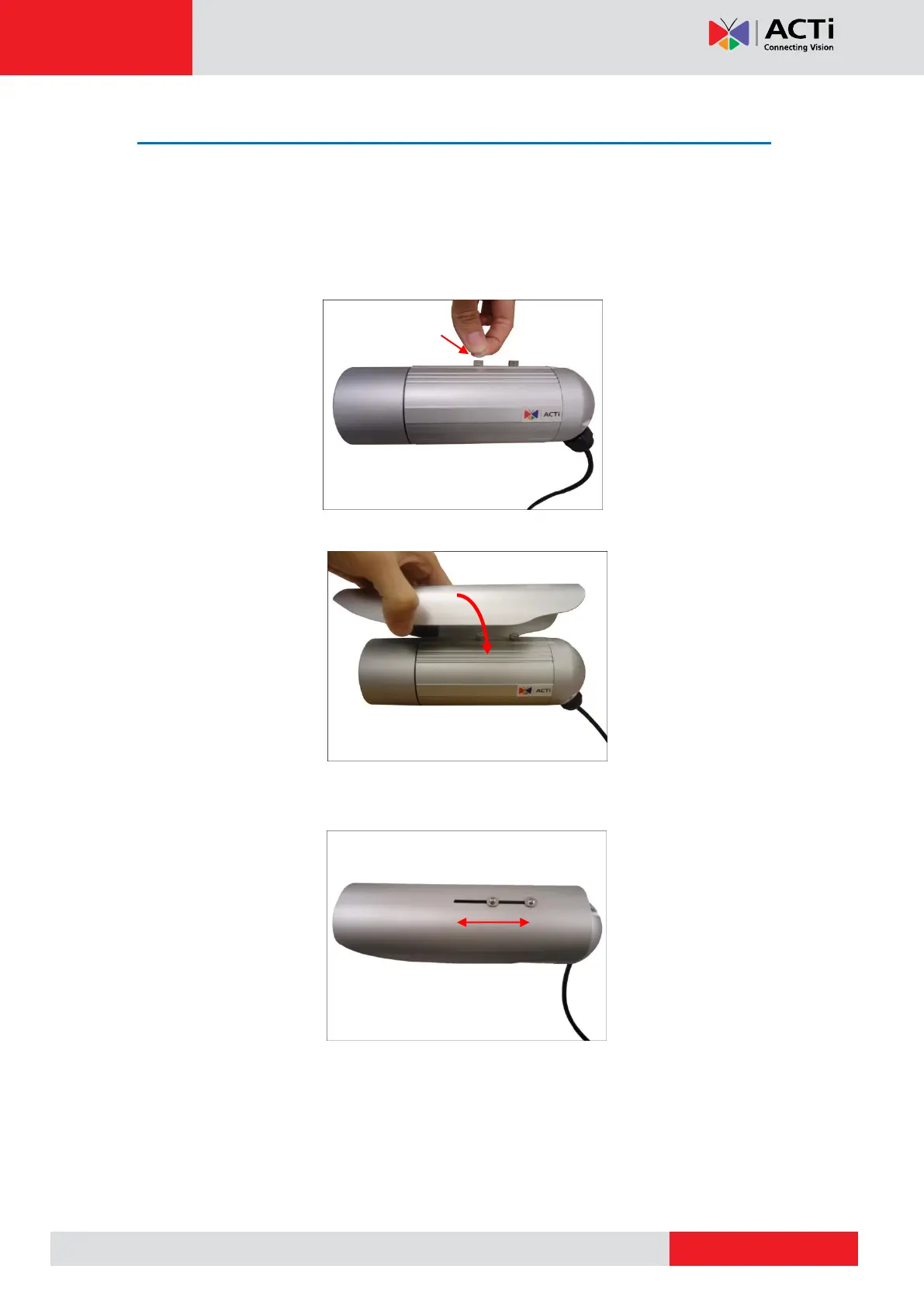
Step 2: Attach the Sunshield
The use of sunshield is optional if the camera will be installed indoors. However, if the camera
will be installed outdoors, attach the sunshield to protect the lens from all types of weather and
lighting conditions.
1. Attach the supplied washers to the screws.
2. Attach the sunshield then loosely secure it with the supplied screws.
3. Slide to adjust the sunshield to cover the lens as far as possible but out of the camera’s
live view.
4. Tighten the screws to fix the position of the sunshield.



 To Next Page