Hardware Manual
24
Step 5: Connect the Cable
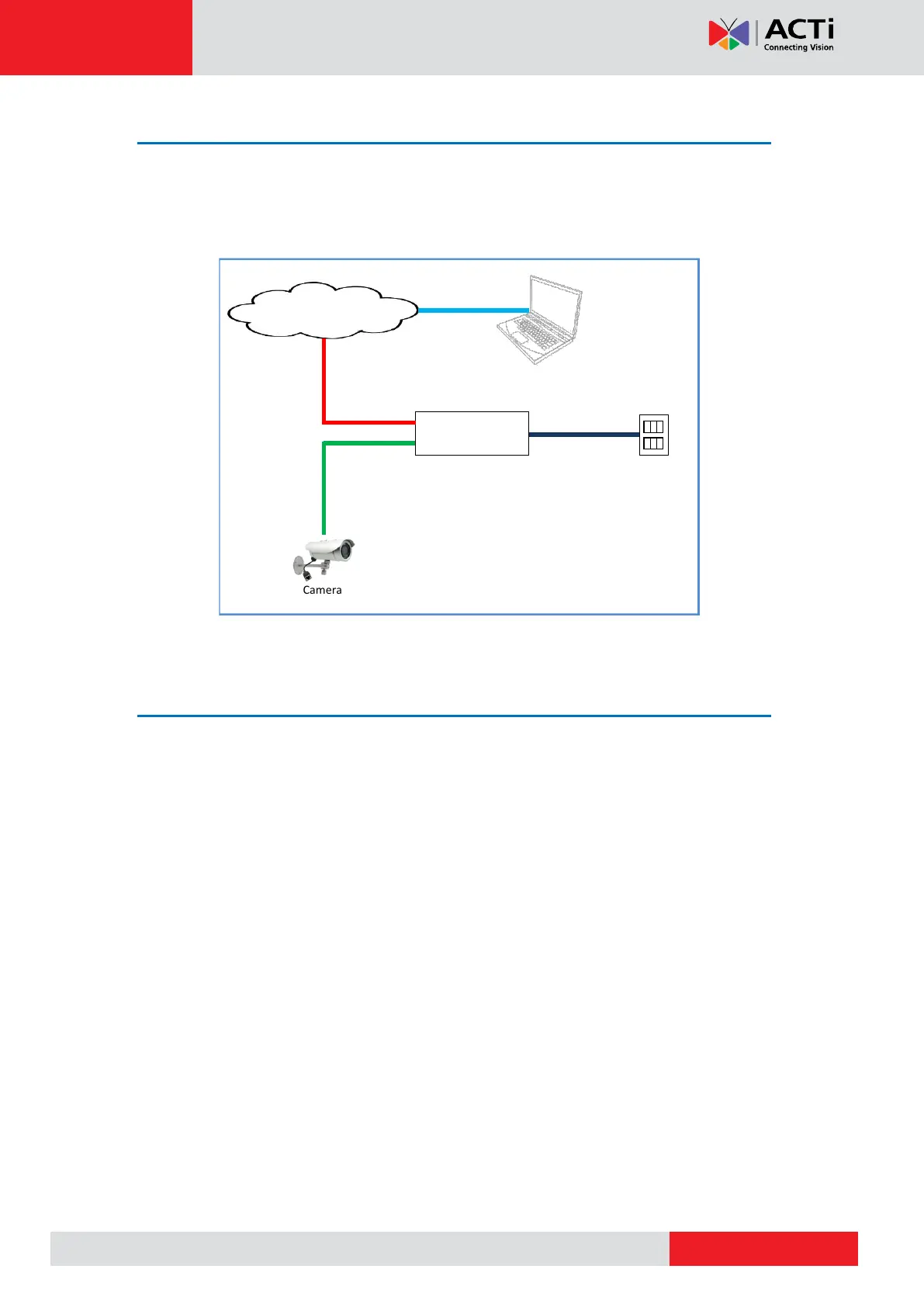
Connect the other end of the network cable to a switch or injector. Then, connect the switch or
injector to a network, PC, and a power source. See Power-over-Ethernet (PoE) connection
example below.
Ethernet Cable
(Data + Power)
Step 6: Access the Camera Live View
See Accessing the Camera on page 34 for more information on how to access the Live View
of the camera.



 To Next Page