E13 Hardware User’s Manual
12
4. Open Internet Explorer (Version 6.0 or above) , and type in the Default IP:
192.168.0.100
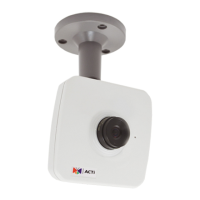
5. When you see the login window, please input default user and password:
Default User: Admin Password: 123456
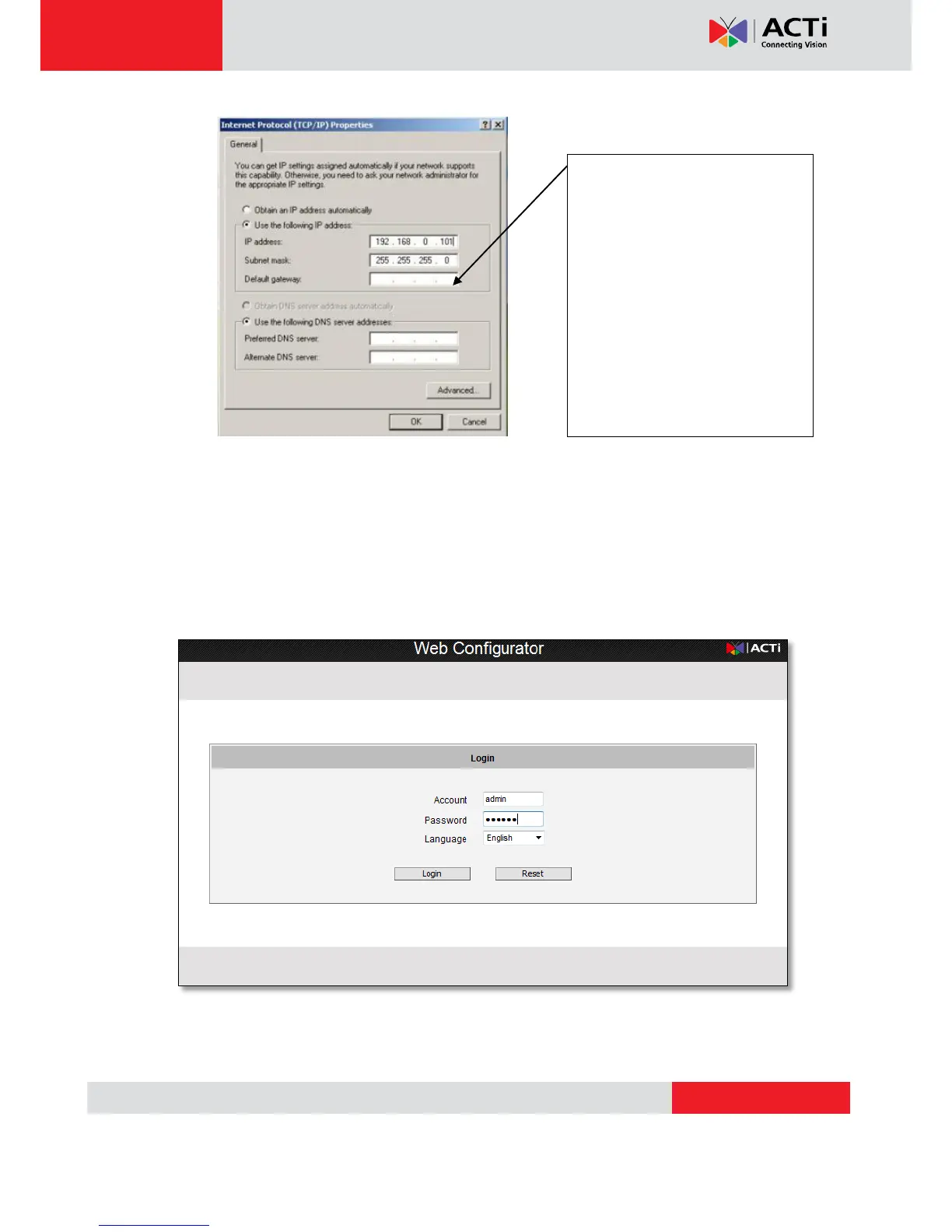
Please set the settings as below.
IP address: 192.168. 0.xxx
Subnet mask: 255.255.255.
0
(NOTE: xxx should be a number
from 1 to 254 except 100, which is
used by the IP device. Please also
make sure that no two equipments
use the same IP address in the
same network..)


 To Next Page