E13 Hardware User’s Manual
13
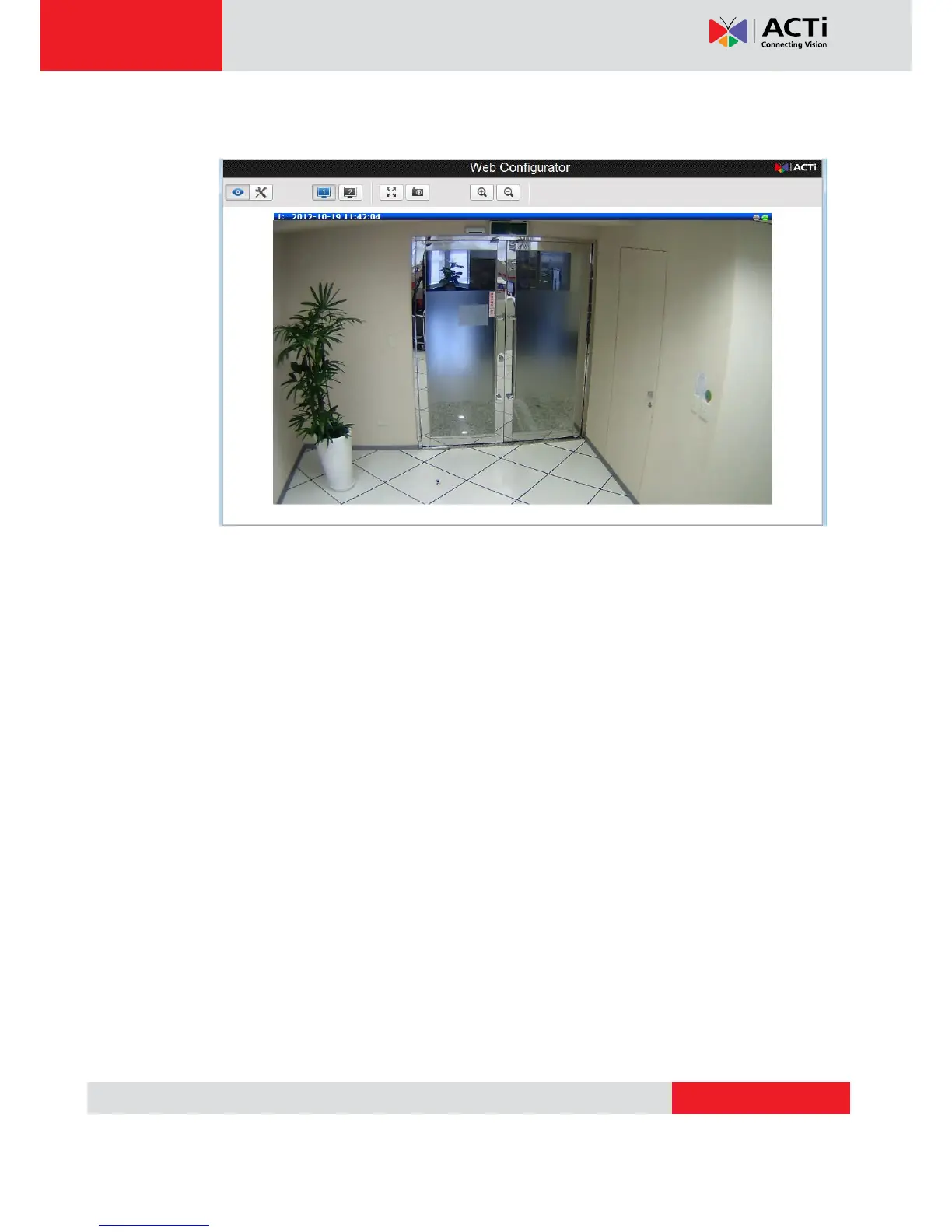
6. After logging in, you will see the video from camera. To go to the main menu, click the
“Setup” button on the top left.
If you are using a single camera, this is enough to access the device.
If you are using multiple devices, you need to change the current device to another
unused IP address, so that when the next device is connected to the network, no two
devices use the same IP. Please perform the following steps.
7. Go to IP Settings -> Connection Type
8. Change the IP mode to Static.
9. Change the IP to 192.168.0.101 or any other unused IPs. Do NOT use the PC’s IP
address or 192.168.0.100.). If this is not the first device you add to the network, please
also avoid other devices’ IPs.


 To Next Page