EasyManua.ls Logo

ACTi E44 - Connecting Multiple Cameras

ACTi E44
32 pages
Print Icon
To Next Page IconTo Next Page
To Previous Page IconTo Previous Page
Loading...
www.acti.com
Hardware Manual
23
Connecting Multiple Cameras
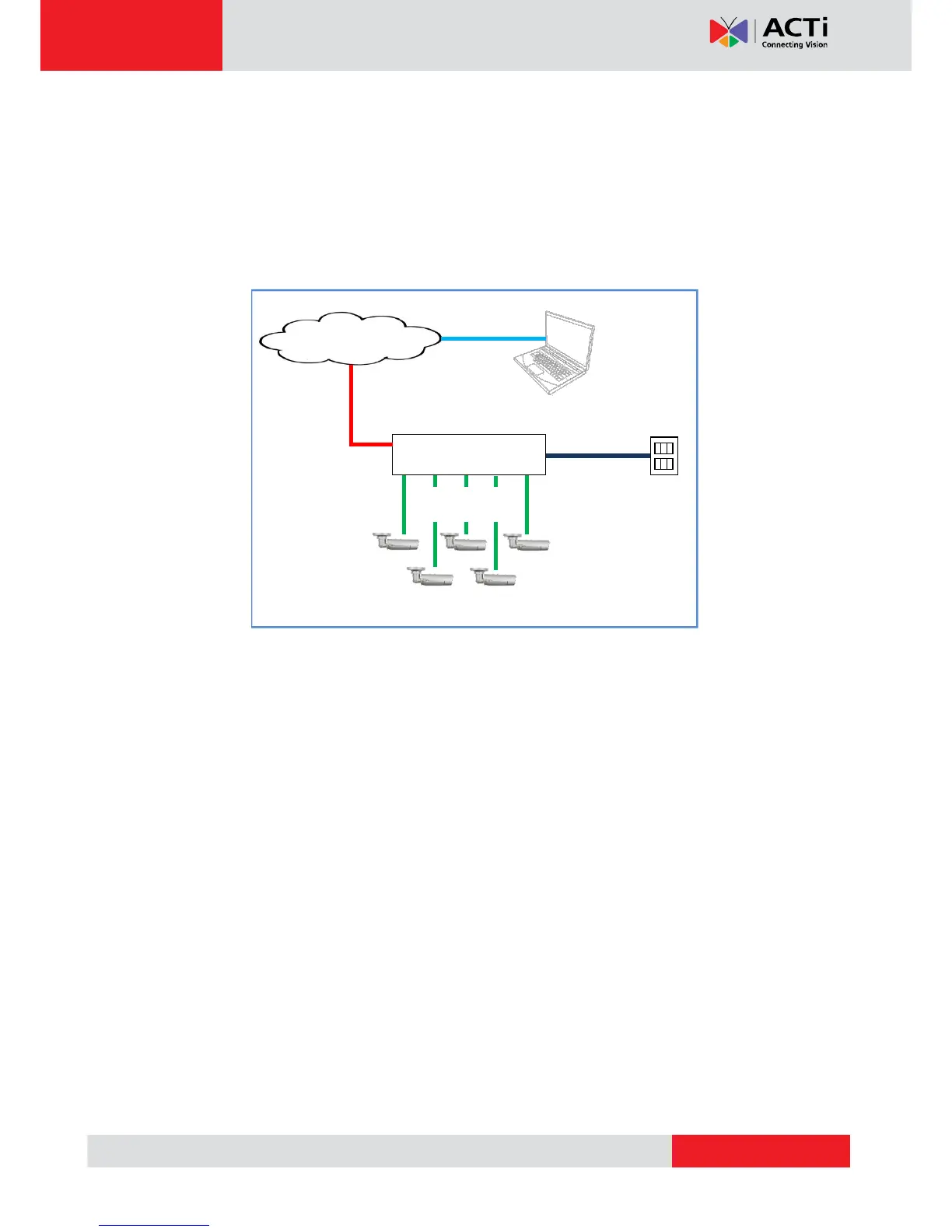
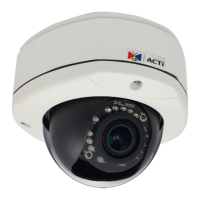
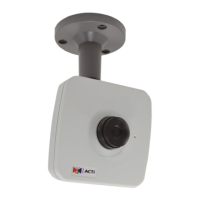
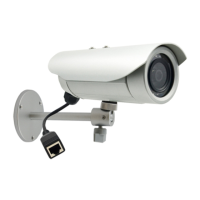
To connect multiple cameras, use a PoE switch.
1) Connect the camera(s) to the PoE switch directly or by using the 2-sided female type
connector of each camera.
2) Connect the PoE switch to a network and an AC power source.
3) Connect a PC to the same network.
Network
AC Power
Source
PoE Switch
Power Cable
Ethernet Cable
Ethernet Cable
(Data)
Cameras
Ethernet Cables
(Data+Power)