Hardware Manual
8
Package Contents
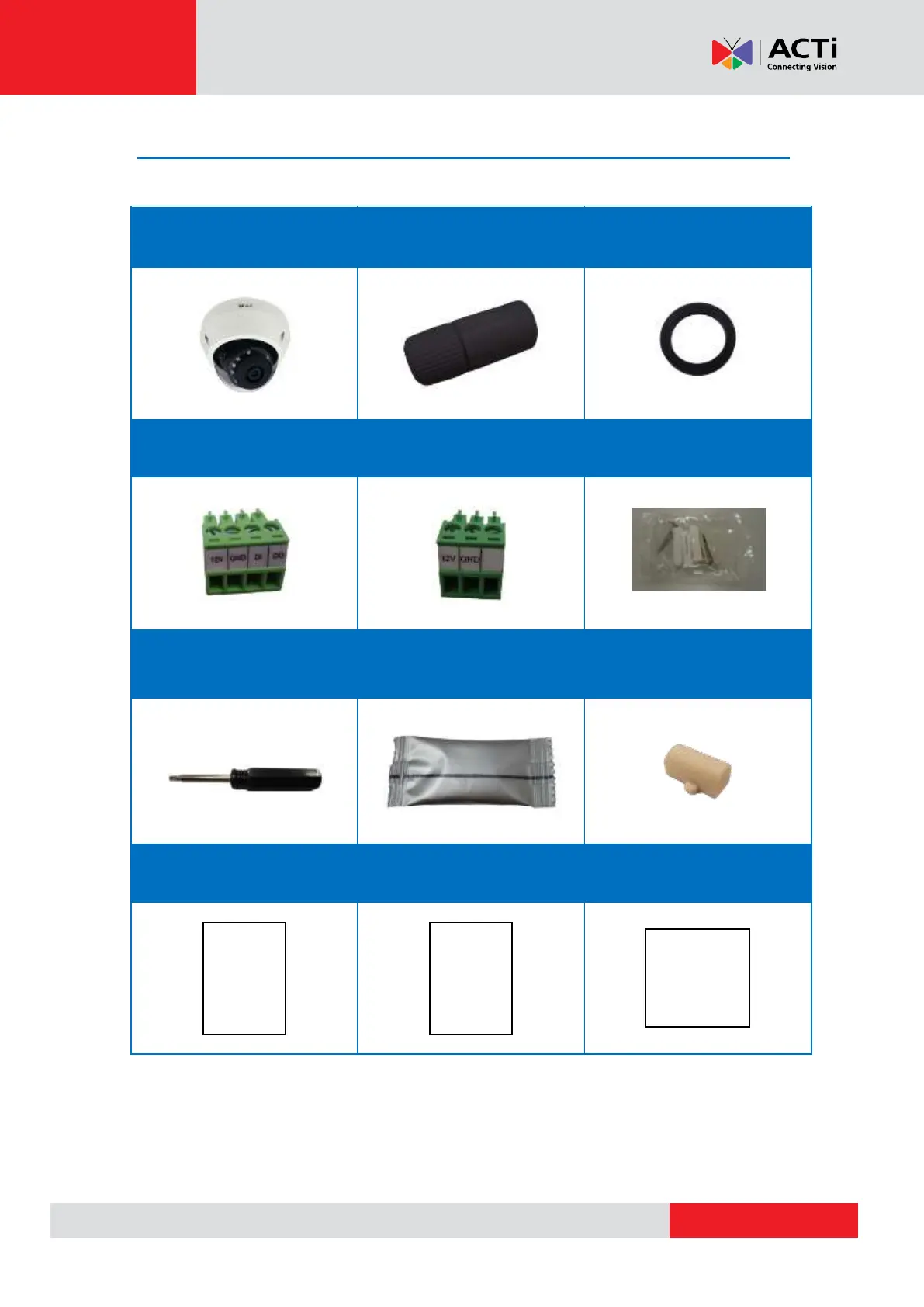
Check if the camera package comes with the following items:
Terminal Block
(for DI/DO)
Terminal Block
(for Power)
IMPORTANT: When the camera is taken out from the box, the lens cover is covered by a thin film.
DO NOT remove this film. It is used to protect the lens cover from scratches or fingerprint marks
which may happen during installation. Remove this film only after the camera is securely installed
and all connections are complete.


 To Next Page