Hardware Manual
24
Other Cable Connections
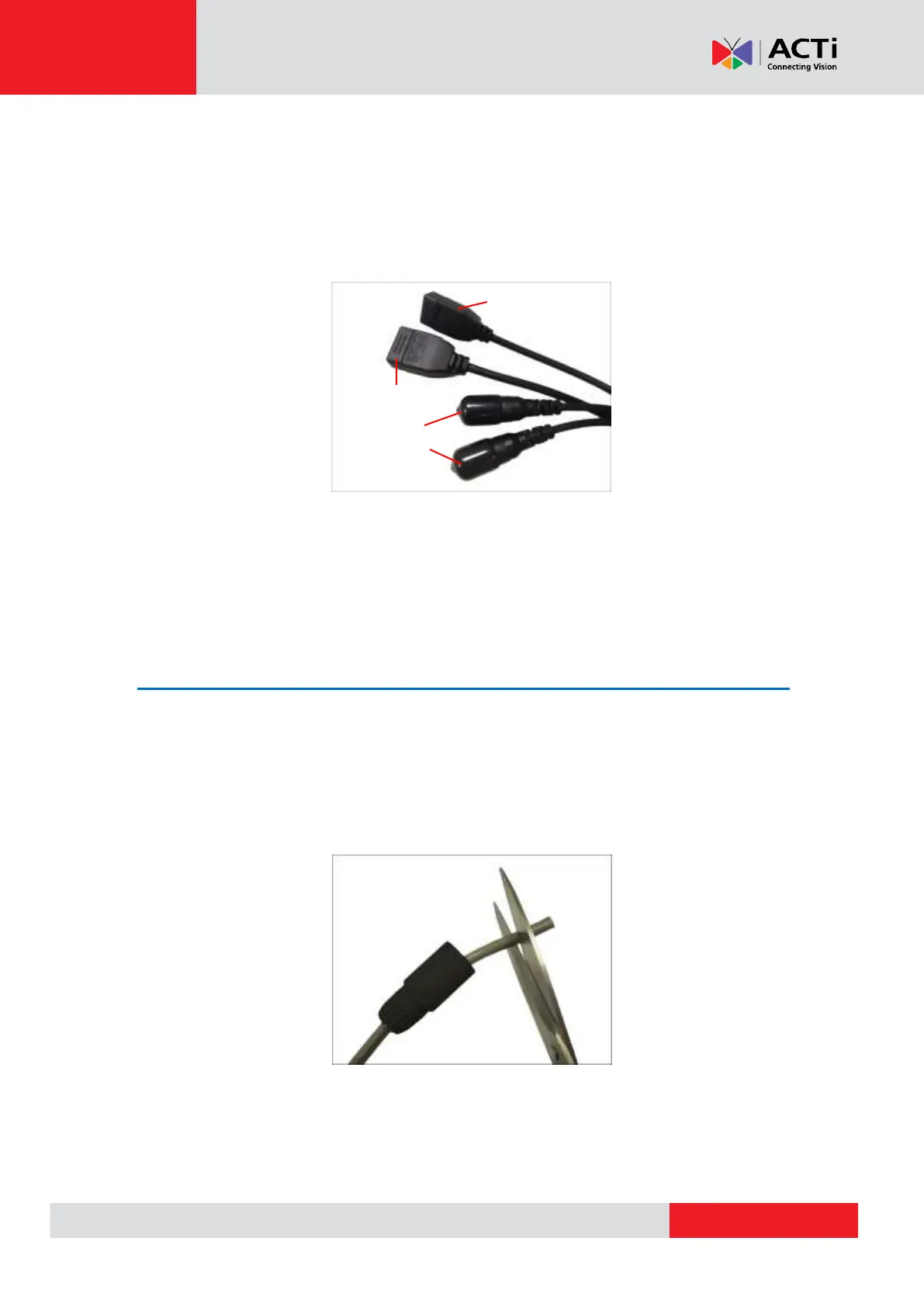
This section describes the procedures in attaching the Ethernet cable connector, preparing and
connecting an external power adapter, digital input and output (DI/DO) device, such as alarms,
sensors, etc., and audio input and output devices. The use of these devices, however, is optional.
NOTE: If these connectors will not be used, leave the caps on to avoid water or dust from
entering the connectors.
How to Attach the RJ-45 Connector
1. Prepare the following tools:
a. RJ-45 connector
b. Crimping tool
c. Scissors
2. Cut about one (1) inch into the plastic sheath from the end of the cable.


 To Next Page