Hardware Manual
23
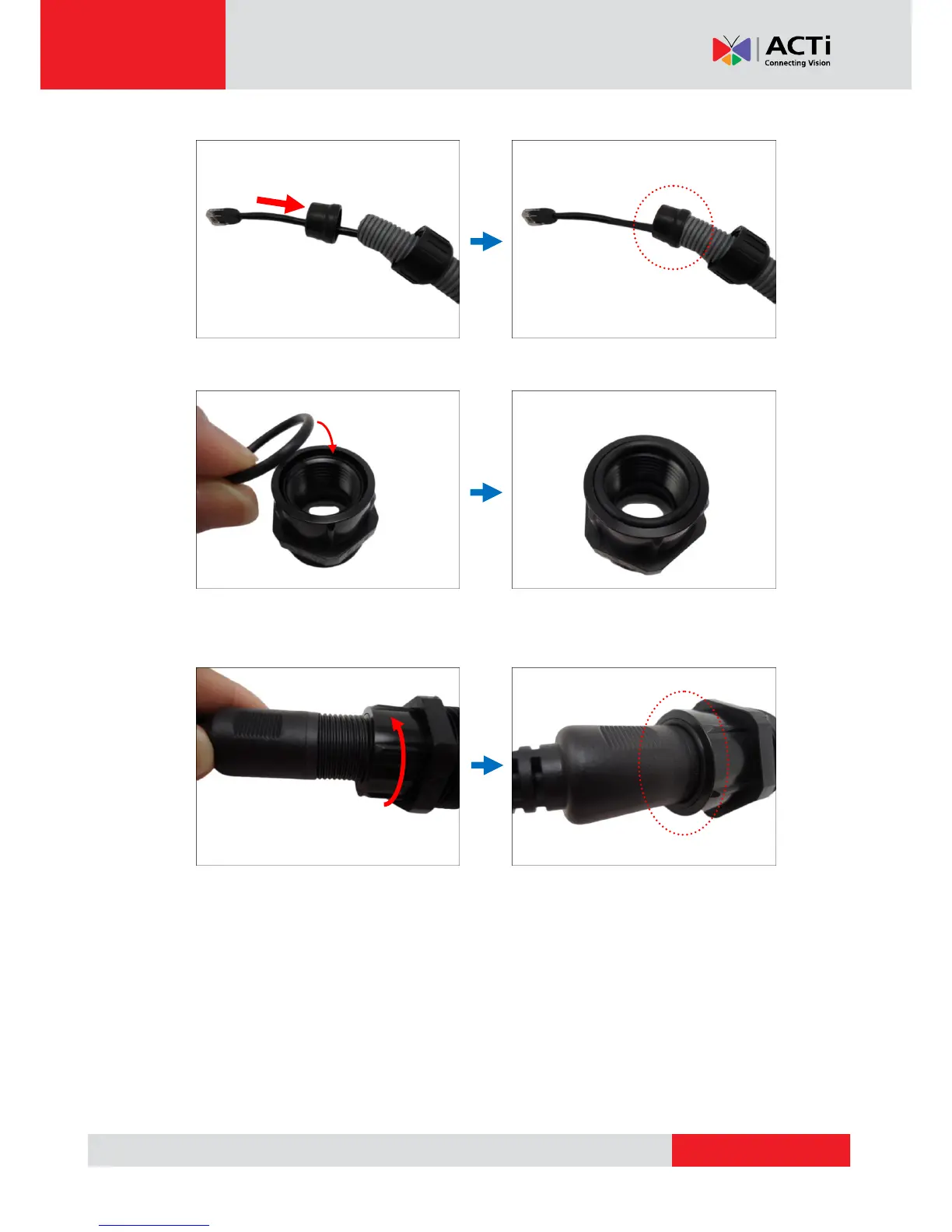
4. Insert the sealing rubber and attach it at the end of the flexible conduit.
5. Attach one (1) supplied rubber ring on the gland body (smooth end).
NOTE: Make sure the rubber ring is completely aligned on the gap on the gland body.
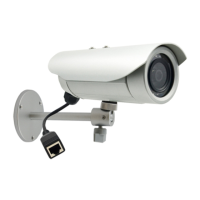
6. Attach the gland body to the Ethernet port of the camera.
IMPORTANT!
Make sure the rubber ring is completely aligned and flat on the gland body to avoid
possible water leakage. For added protection, it is also recommended to apply the thread
seal tape to the thread of the Ethernet port before attaching the gland body. See images
below.


 To Next Page