Hardware Manual
11
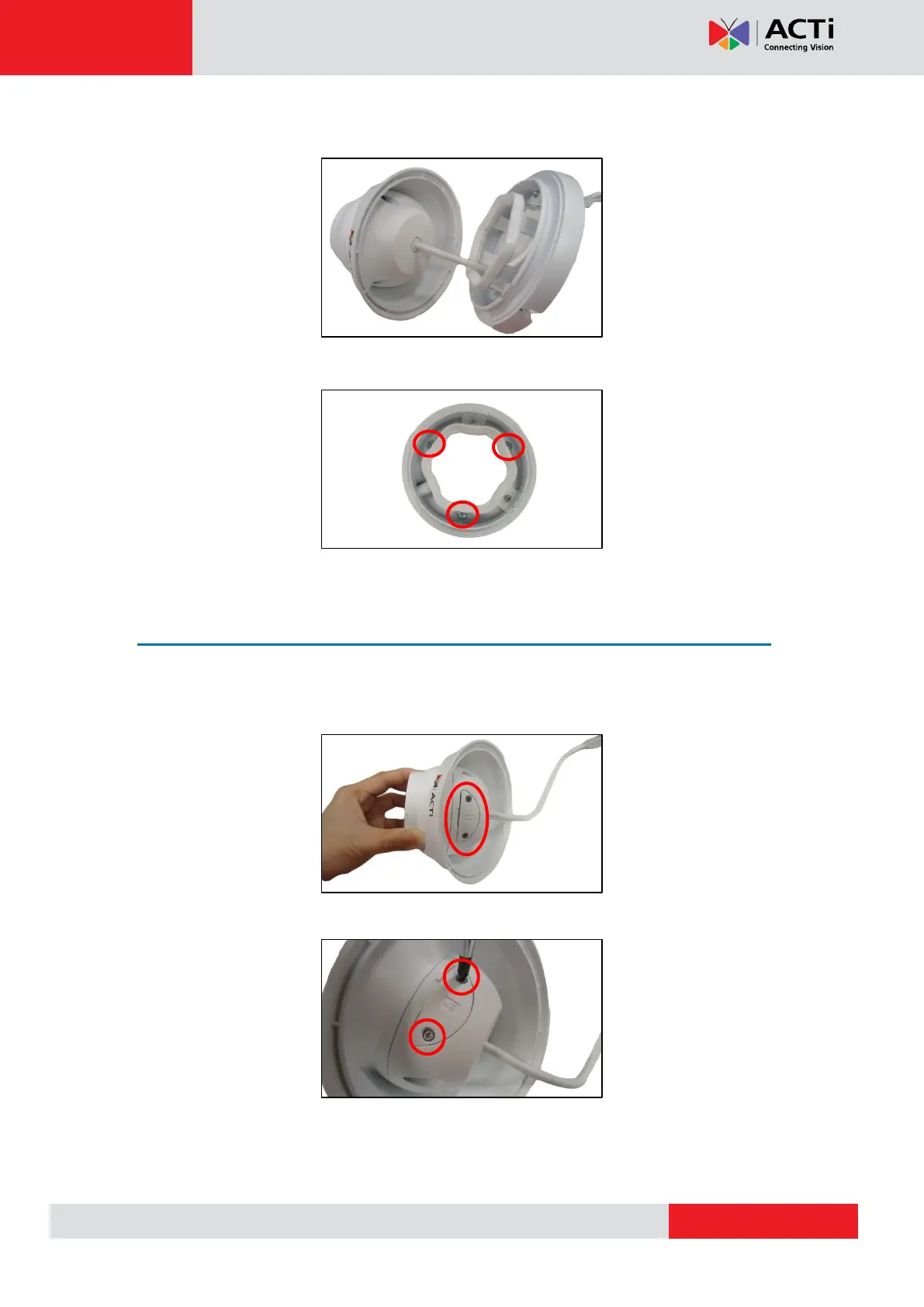
4. Detach the base from the camera body.
5. Mount the base to the ceiling using three (3) screws.
Install the Memory Card (optional)
If a memory card will be used, insert the card at this point.
1. Move the camera body around to see the memory card slot.
2. Loosen the two (2) screws to remove the card slot cover.



 To Next Page