USER MANUAL - DUAL ZONE AUDIO MEDIA PLAYER EQUIPMENT ACT553 - ACT553/DAB+
480305-3.0 11/12/2019 Page 17 / 33
© ACTIA “Any reproduction of this document, even partial, is strictly forbidden without written authorisation”.
5.2. Content Selection
With the USB or SD Card source selected:
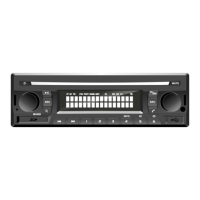
1. Press [c] (or [MENU] on the remote control) to enter the content selection menu.
2. Press [c] repeatedly (or [MENU] on the remote control) to navigate through the various levels of
the contents of the device: List of files
➔
List of folders.
3. Use [d/e] keys and/or the [VOLUME] knob, (or [▲►▼◄] keys on the remote control) to select
the level and file to be played.
4. Press [b] / [VOLUME] (or [ENTER] on the remote control) to play the selected item.


 To Next Page