USER MANUAL - DUAL ZONE AUDIO MEDIA PLAYER EQUIPMENT ACT553 - ACT553/DAB+
480305-3.0 11/12/2019 Page 7 / 33
© ACTIA “Any reproduction of this document, even partial, is strictly forbidden without written authorisation”.
Note!
Some controls may not be available in the vehicle controls.
3.1. Restore the Factory Settings
To restore the values of the factory settings:
1. Switch off the equipment.
2. Press and hold [MUTE] while switching on the equipment [a].
3.2. Reset of the Equipment
Note!
Perform a reset only if the equipment no longer responds to user controls.
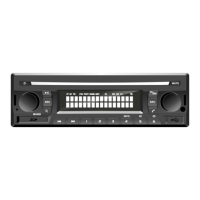
To perform a reset, press the button [RESET] located on the left of the front panel (refer to Figure 1).
3.3. Reset and Restore the Factory Settings
Note!
Perform a reset and restore the factory settings only if the equipment no longer responds to user
controls.
1. Press [RESET] + [MUTE] simultaneously for 5 seconds.
2. Release the button [RESET] while holding the key [MUTE] until 3 beeps are heard.
3.4. Equipment Firmware Version
To display the equipment firmware version:
1. Switch off the equipment.
2. Press and hold the key [1] While turning on the equipment pressing [a].
The firmware version is displayed in the LCD screen.


 To Next Page