4
THEACTIGRAPH.COM
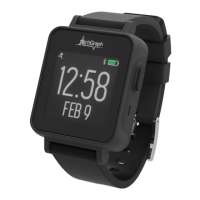
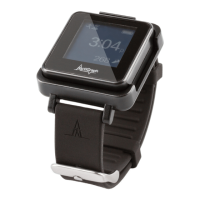
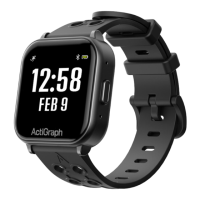
CENTREPOINT INSIGHT WATCH | E.200.6002 | RELEASED: 01/09/2023 | REV: 7
Allow rewall access to the following URLs
Contact your local IT department prior to assigning CPW01(s) to ensure the following URLs are whitelisted for open and
secure web communication and have access to the ActiGraph services. Please contact support@theactigraph.com for any
additional questions or further assistance.
Main Web Portal
https://studyadmin.actigraphcorp.com
Site personnel directly accesses this URL to create and
monitor participants during the study
CENTREPOINT System Requirements
The CentrePoint system is only compatible with TLS 1.2 or higher security protocols. Contact your local IT department to
ensure your systems meet the latest security protocols and have access to the ActiGraph services.
Internet Browsers
• Microsoft Internet Explorer 11
or newer
• Microsoft Edge
• Mozilla Firefox
• Google Chrome
API Integrations
• Java 8(1.8) or higher
• .NET 4.6.2 or newer
• Python 2.7.9 or higher
• Ruby 2.0 or higher
• OpenSSL 1.0.1 or higher
• Mozilla NSS 3.15.1 or higher
Operating Systems
• Windows 10 or newer*
* Sites using operating systems older than Windows 10 (e.g. Windows 7), should contact ActiGraph support for further instructions.
Getting Started
ActiSync Service
https://studyadmin-actisync-service.actigraphcorp.com
Connection point for the ActiSync client software order to
determine the current assignment status of a device and
instruct ActiSync how to proceed
Blob Azure Storage
https://acticlouduploadsprod.blob.core.windows.net
Allows ActiSync to extract the data from the CPW01 and
store it on our cloud storage server
Please note: Clicking on the links above does not conrm open access. URLs must be added to the IT whitelist. If
you are having trouble assigning a CPW01 and have not contacted your IT department yet, please do so.



 To Next Page