| Continued
Assigning an LEAP to an existing participant
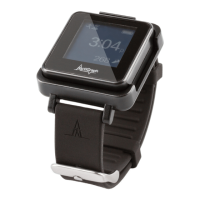
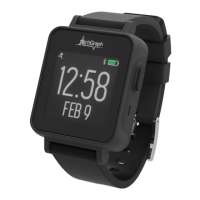
To assign a LEAP to an existing participant (such as in the case of a lost or broken device) or if the visit schedule requires
collection and reassignment. Follow these steps to
assign a LEAP to an existing participant (such as, in the case of a lost or
broken device) or if the visit schedule requires collection and reassignment:
Complete steps 1- 6 above on page 8.
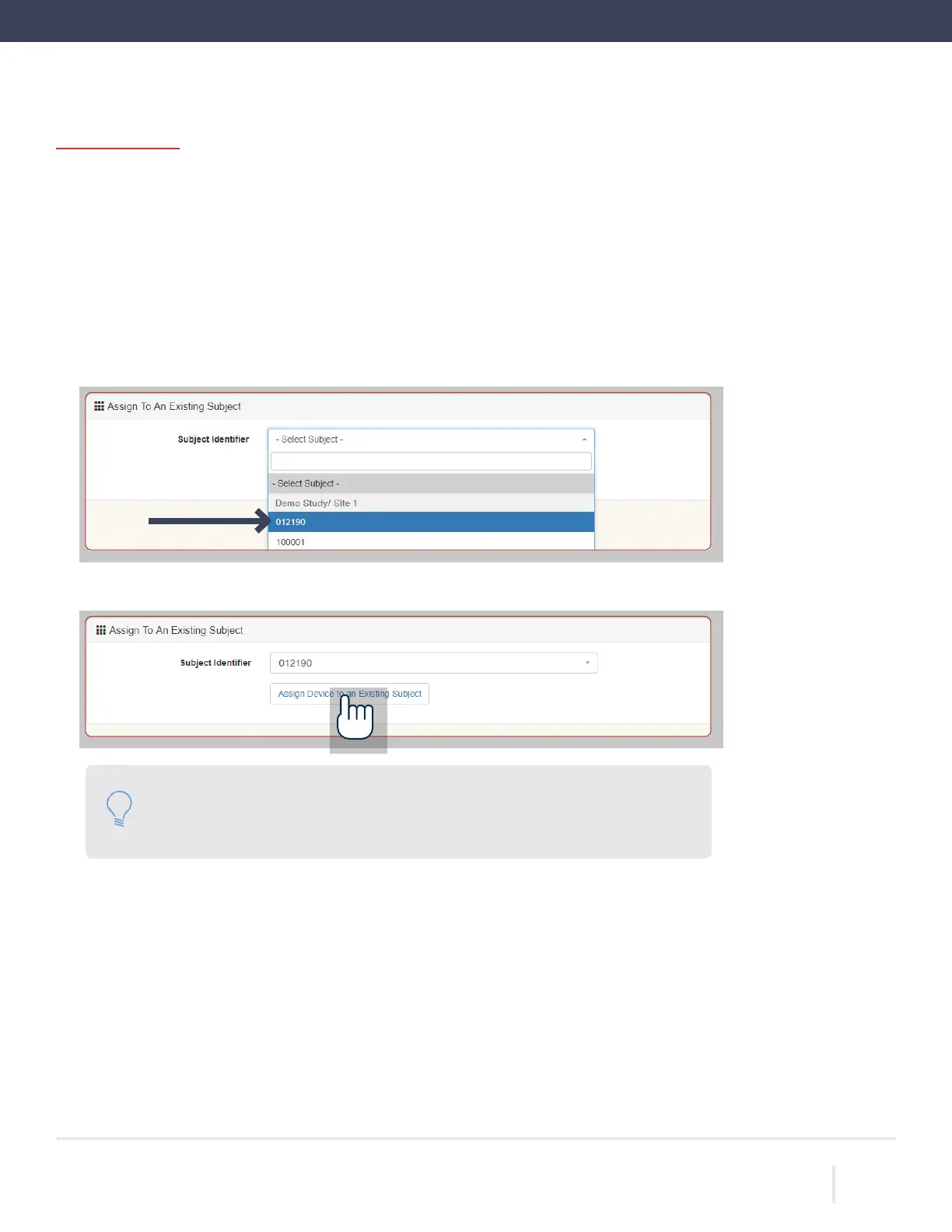
Scroll to the bottom of the page and select the corresponding subject identifier from the list.
Select “Assign Device to an Existing Subject.” Wait for the progress bar to indicate that assignment is
Please note: We encourage the reuse of the previously assigned LEAP that the
participant used during the first monitoring period. Otherwise, a new LEAP and
watch band should be used.
ACTIGRAPH LEAP™ | E.200.6025 | RELEASED: 10/09/2023 | REV: 0
THEACTIGRAPH.COM



 To Next Page