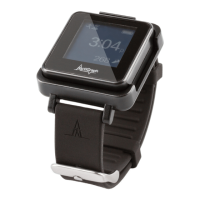
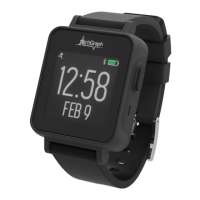
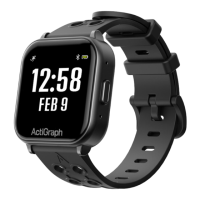
LEAP(s) will be assigned to participants at Visit 1. Participants are instructed to bring the LEAP,
dock, and all accessories back to the Final Visit, during which the LEAP will be unassigned and
to inventory.
Assigning an LEAP to a new participant
Assigning an LEAP to a new participant will take approximately 3-5 minutes. Make sure the LEAP is fully charged prior to
assignment.
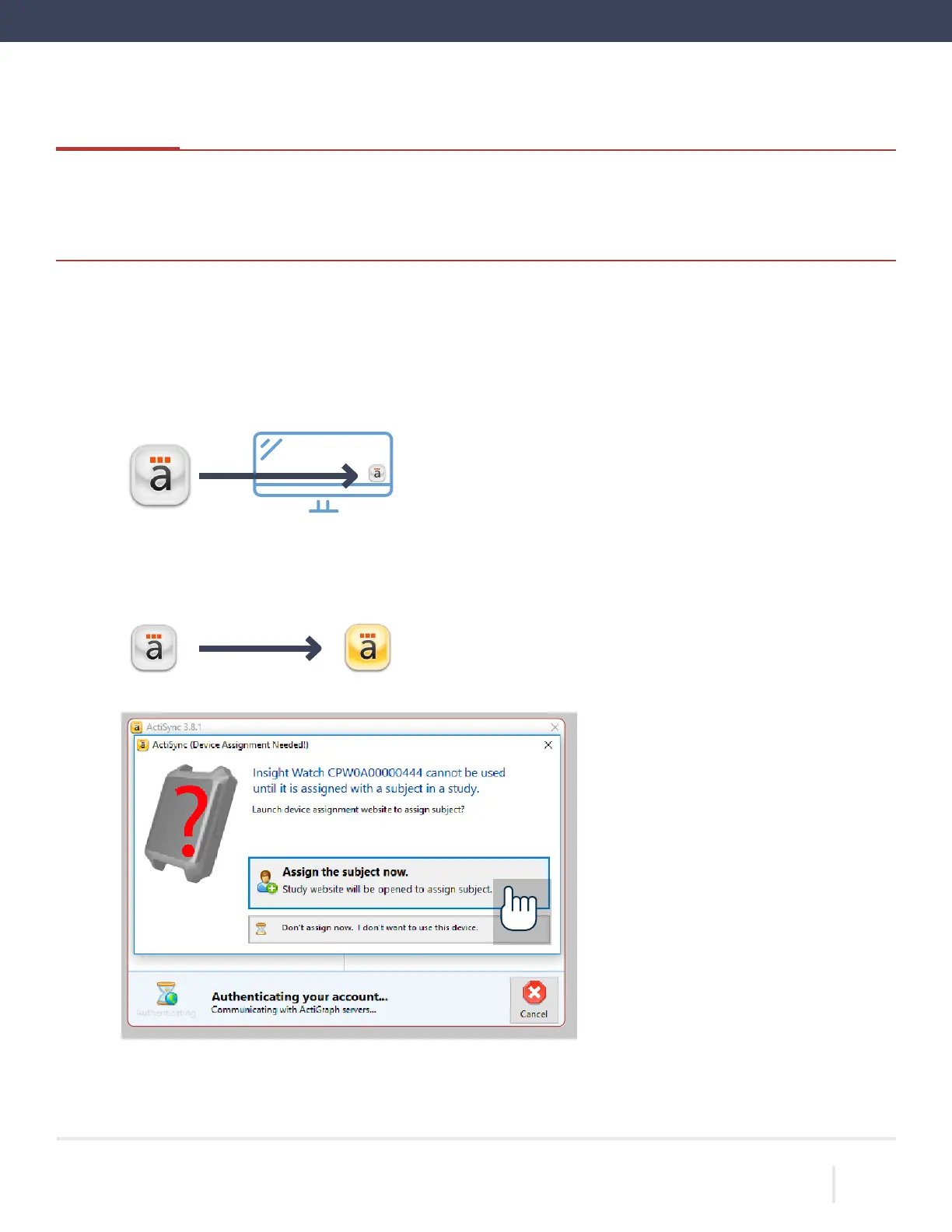
that ActiSync is running on the PC by checking for small icon in the taskbar.
the charging dock to the computer using the provided USB cable and insert the LEAP into the charging
connected, the ActiSync icon will turn yellow and a dialog box will open.
“Assign the subject now.”
6.
CentrePoint web portal will open in your web browser.
your CentrePoint login information.
ACTIGRAPH LEAP™ | E.200.6025 | RELEASED: 10/09/2023 | REV: 0
THEACTIGRAPH.COM


 To Next Page