4. Make sure the HDTV is turned on and set to display the input from
the correct HDMI port (the one you plugged into during Step 2).
5. Verify that the “Ready to Connect” screen appears on the HDTV.
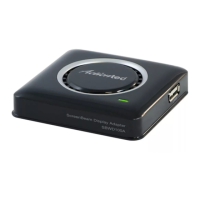
e Receiver is connected to the HDTV, and ready to be congured.
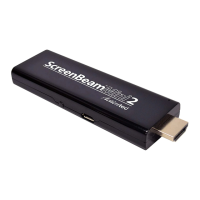
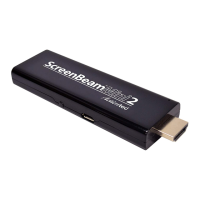
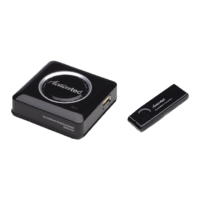
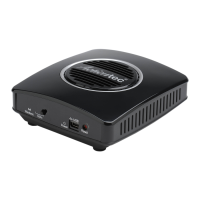
ScreenBeam Pro Wireless Display Receiver
6







 To Next Page