1. Launch the Intel Wireless Display Application on the device. To nd
the application, go to Windows Search on the device and search for
“Intel WiDi.”
2. e device scans for available receivers. Select the same receiver name
as seen on the HDTV and click Connect. (e “Connect
Automatically” checkbox is optional.)
3. Wait until the Receiver displays a PIN on the HDTV, and a PIN entry
box on the screen of the WiDi device. Enter the PIN in the PIN entry
box on the WiDi device, then click Continue.
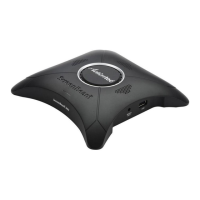
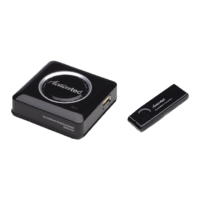
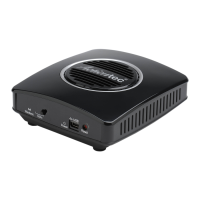
ScreenBeam Pro Wireless Display Receiver
8






 To Next Page