4 5
PLACEMENT OF UNIT
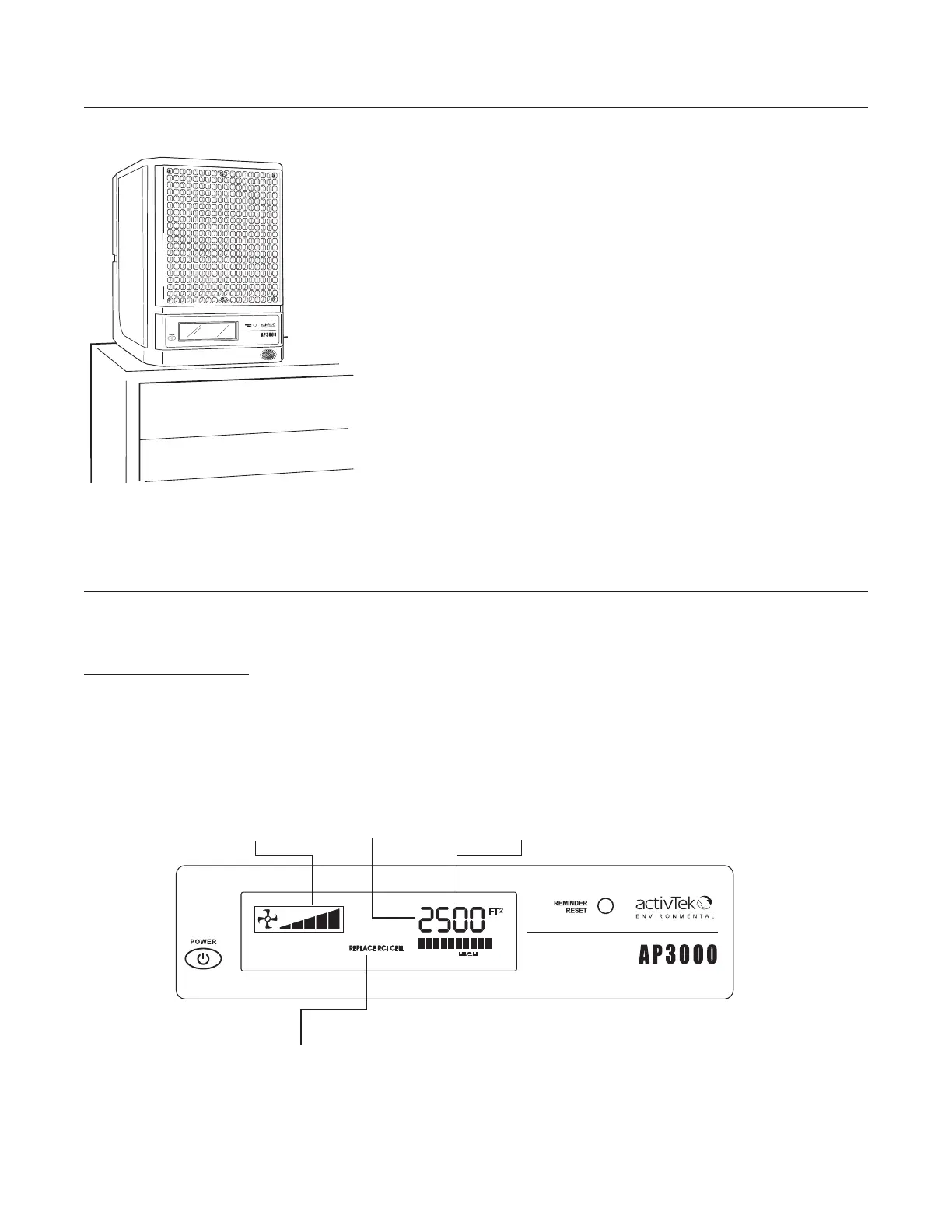
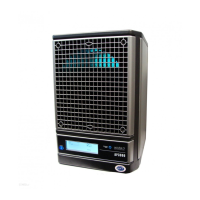
The LCD Screen is used to display all current settings as well as any maintenance reminders.
LCD SCREEN BACKLIGHT
As adjustments are being made, the LCD screen backlight will brighten and the settings on the screen will
change. After 3 seconds without change, the backlight will return to normal.
If a maintenance reminder or a service reminder appears, the backlight will brighten and constantly flash
until the Reminder Reset button is pressed or the service problem is corrected.
LCD DISPLAY
Place unit as high as possible to ensure complete purification (On
top of a bookshelf, high cabinet, etc.).
Suggested locations listed in order of preference:
NOTE: • The rear of the unit should always have at least one
inch of open area to allow unrestricted airflow.
• Point the unit toward the center of the room for
maximum dispersion ofions.
• To prevent injury, be sure the power cord is not
accessible to small children.
1. Nearest the source of the worst pollution.
2. Near a cold-air return to thoroughly circulate the benets of
your AP3000 by activTek throughout the area.
3. In the area most heavily used to achieve maximum benet.
Purifier SettingFan Speed
Purifier Coverage
Reminders (normally blank - display will flash and reminders appear here when unit needs
maintenance)


 To Next Page