10
Navigation—Changing Route or Destination
You can alter your route by adding waypoints to visit, or changing your destination during route guidance.
Adding a Waypoint (“Pit Stop”)
You can add a waypoint along your route.
(P65)
a Press the (Home) button and then
select Navigation.
b Select a search method. (P44 )
c Select the location to add to the
current route.
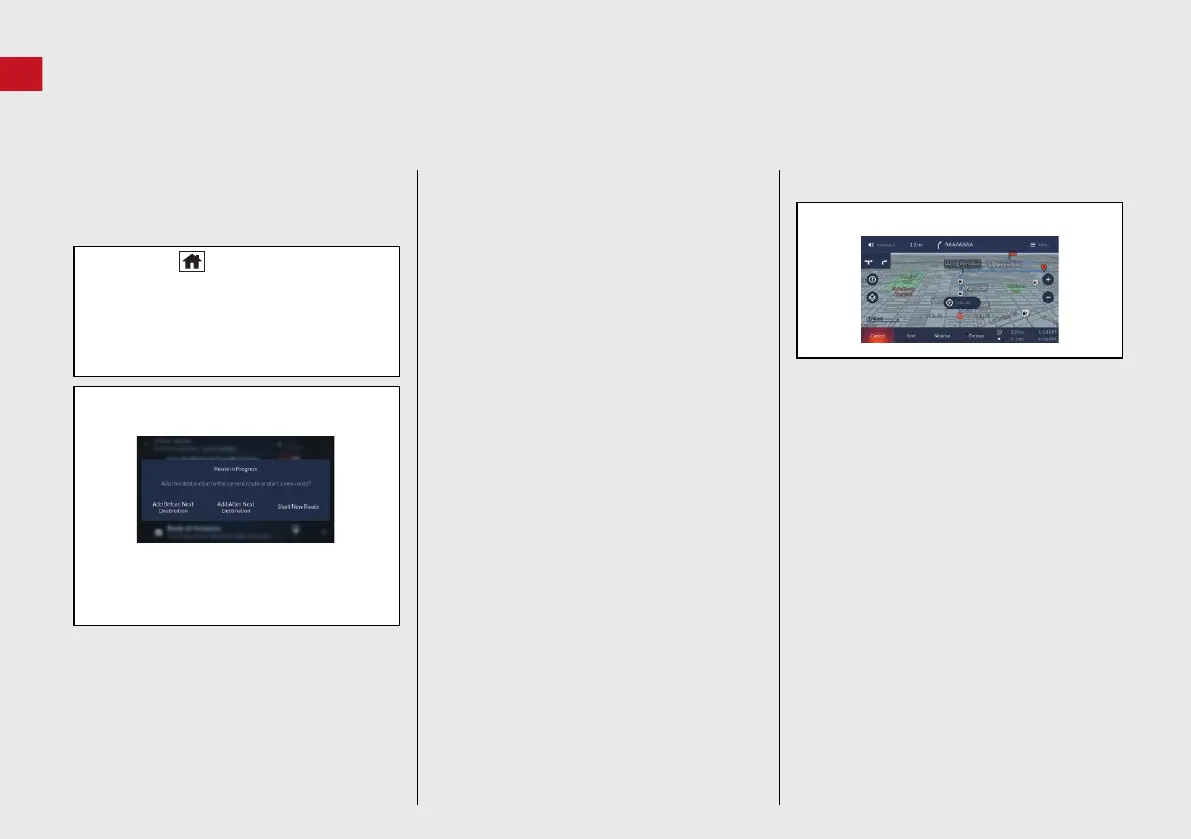
d Select Add Before Next Destination or
Add After Next Destination.
If you select the location from the map,
select Add to Route, and then select
Before or After.
Changing Your Destination
There are several methods you can use to
specify a new destination during route
guidance.
Searching nearby gas stations, coffee
shops, restaurants, fast foods, ATM/
banks or parking (P69)
Select Nearby and select an option.
Selecting a location or POI icon on the
map (P68)
Select a new location or POI icon on the
map.
Entering a new destination (P70)
Select Find and then enter a new
destination.
Canceling Your Route
a Select Cancel on the map screen.
24 ACURA MDX ELP NAVI-31TYA8200_01.book 10 ページ 2023年4月10日 月曜日 午後5時47分


 To Next Page
 Loading...