10
Troubleshooting
Problem Possible Solution
No outdoor sensor
reception
no bars
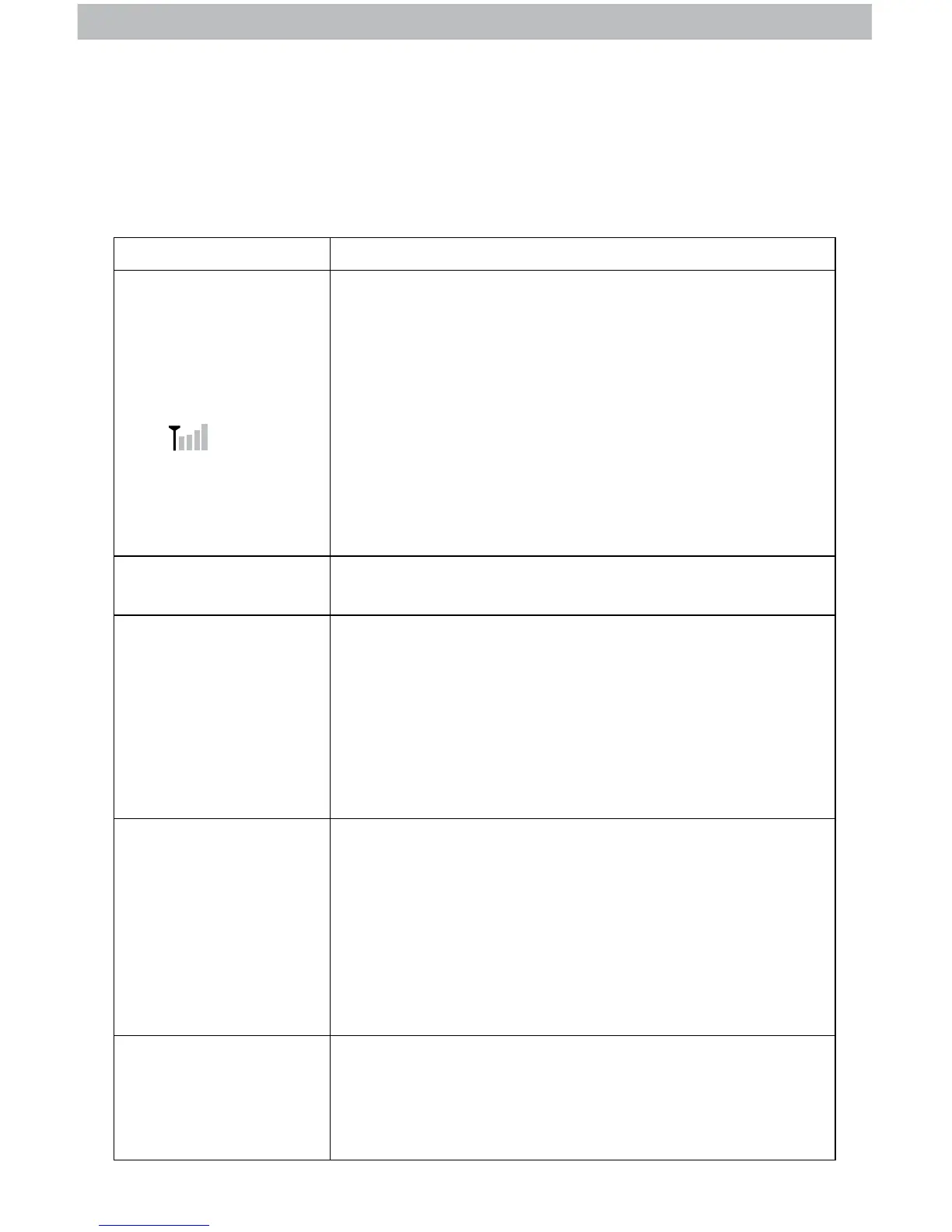
If the wireless signal indicator shows no bars:
• Relocate the display unit and/or the outdoor sensor.
The units must be within 165 ft (50 m) of each other.
• Make sure both units are placed at least 3 feet
(.9 m) away from electronics that may interfere with
the wireless communication (such as TVs, microwaves,
computers, etc).
• Use standard alkaline batteries (or lithium batteries in
sensor when temperature is below -4ºF/-20ºC). Do not
use heavy duty or rechargeable batteries. NOTE: It
may take up to 20 minutes for display unit and sensor to
synchronize after batteries are replaced.
Display screen
not working
• Check that the batteries are installed correctly. Batteries
may need to be replaced.
Outdoor
temperature
is ashing or
showing dashes
Flashing of the outdoor temperature is generally an
indication of wireless interference.
1. Bring both the sensor and display unit indoors and
remove at least one battery from each.
2. Reinstall the battery in the outdoor sensor.
3. Reinstall the battery in the display unit.
4. Let the units sit within a couple feet of each other for
about 20 minutes to gain a strong connection.
Inaccurate forecast
• Weather Forecast icon predicts conditions for the next 12
to 24 hours, not current conditions.
• Has Learning Mode icon disappeared from the display
unit? Learning Mode must complete before forecast and
pressure will be accurate.
• Allow unit to run continuously for 33 days. Battery
removal or resetting the display unit will restart Learning
Mode. After 14 days, forecast should be fairly accurate,
however Learning Mode calibrates for a total of 33 days.
Inaccurate
temperature
or humidity
• Make sure both the display unit and sensor are placed
out of direct sunlight and away from any heat sources or
vents (see page 8).
• Make sure the display unit is positioned away from
moisture sources (see page 8).
To manually clear all of today’s HIGH recorded values, press and release the
“▲” button to view high records, then press and hold the “▲” button for 2
seconds. Dashes display to conrm you have cleared the HIGH records.



 To Next Page