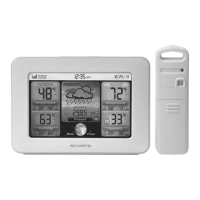
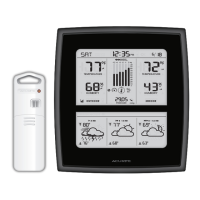
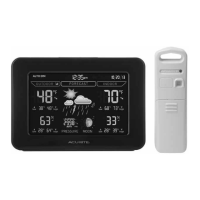
Features & Benets
1
2
3
4
5
6
9
7
8
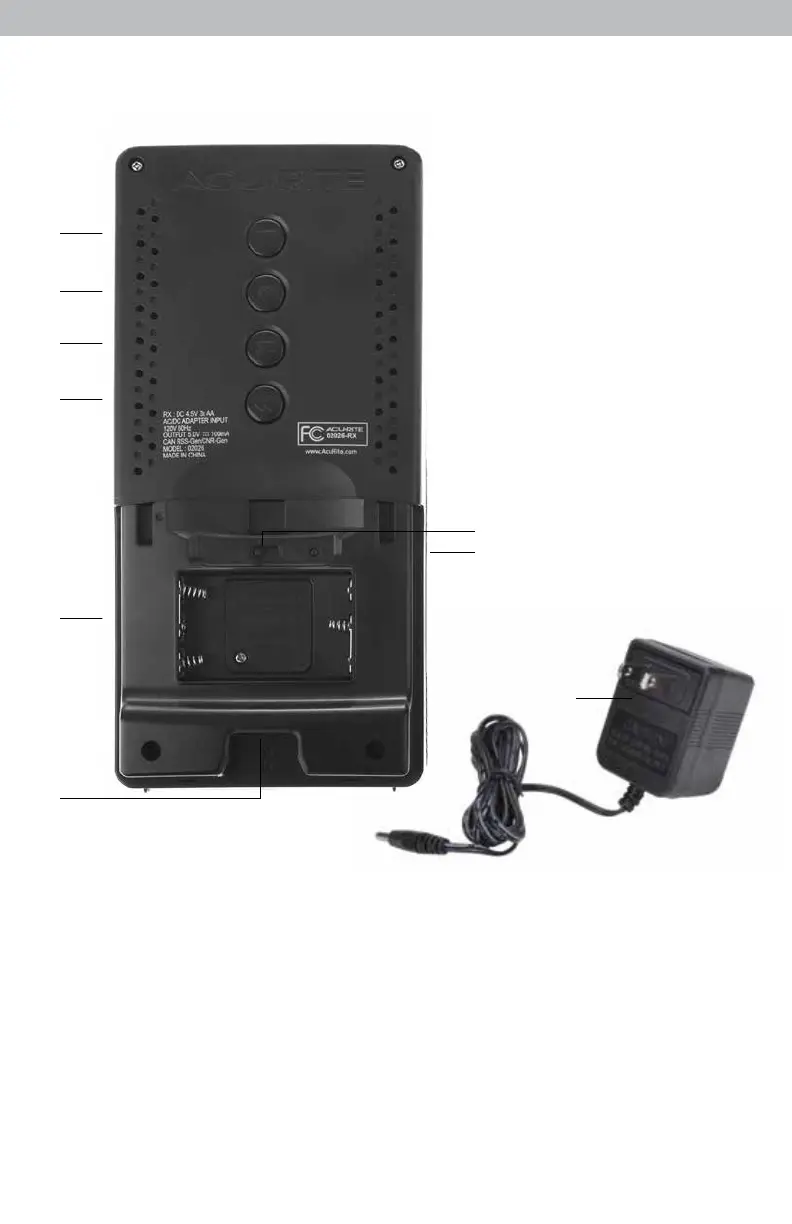
BACK OF DISPLAY UNIT
1. Adjust Up Button
for setup preferences.
2. Setup Mode Button
for setup preferences.
3. Adjust Down Button
for setup preferences.
4. All-Time Records Button
Press to access all-time high and low
records.
5. Battery Compartment
6. Plug-in for Power Adapter
7. A-B-C Switch
ID code that must match sensor’s A-B-C
switch to ensure units synchronize.
8. Reset Button
Full reset to factory defaults.
9. Power Adapter
10. Battery Compartment Cover
(not shown)
4



 To Next Page