8
If your AcuRite product does not operate properly after trying
the troubleshooting steps, visit www.AcuRite.com or call
(877) 221-1252 for assistance.
Troubleshooting
Clock is too dark, hard
to read or doesn’t
work
• Verify power adapter is plugged in.
• Check that the batteries are installed correctly. Batteries
may need to be replaced.
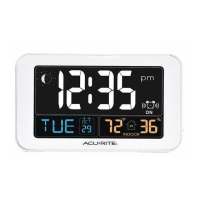
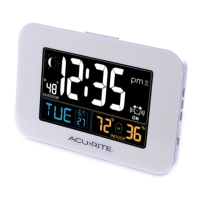
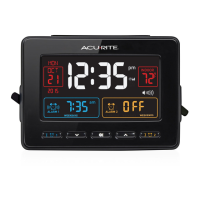
• Increase brightness using
“ ”/ “ ” buttons, located
on the side of the clock.
• The optimum viewing angle for this product is from
slightly above it.
Inaccurate
temperature
• Make sure the clock is placed out of direct sunlight and
away from any heat sources or vents (see page 5).




 To Next Page