7
Display Setup
SETUP
1
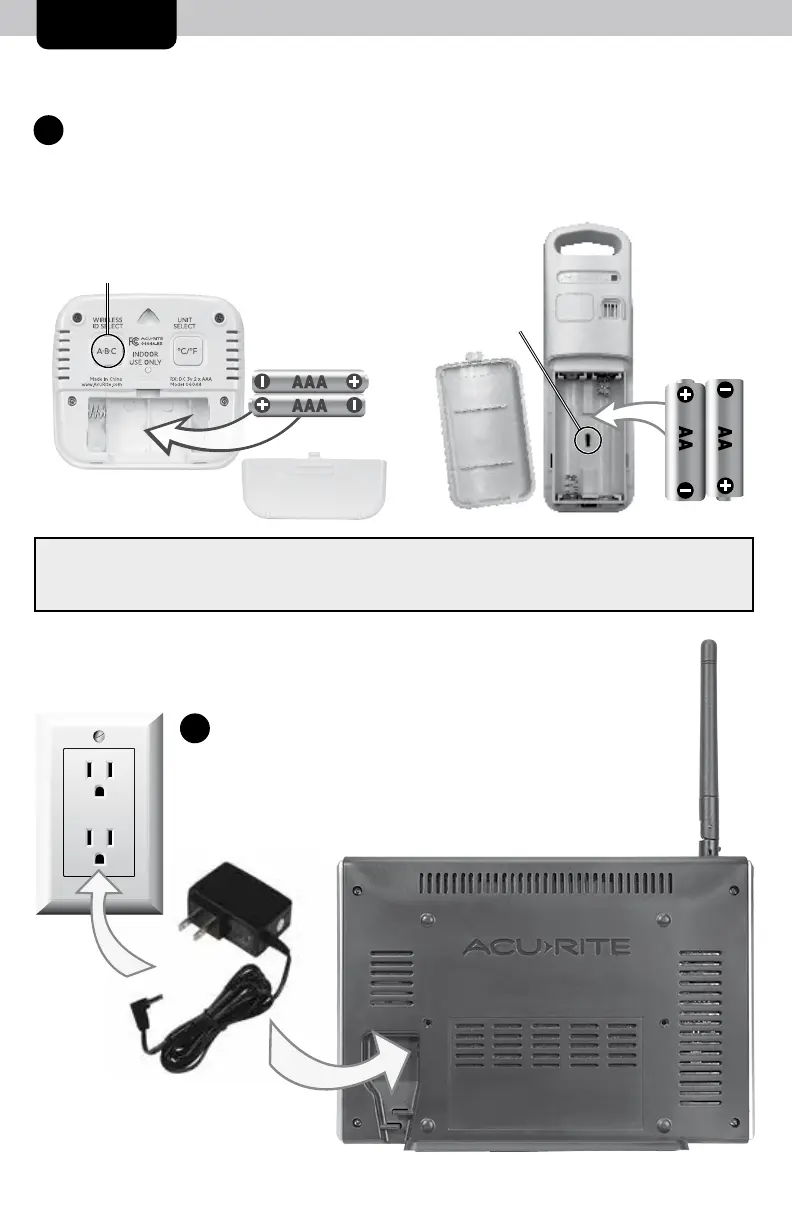
Install External Monitor or Sensor Batteries
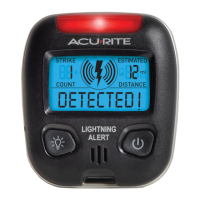
BEFORE powering on the display, install batteries for all external Monitors
and/or Sensors (sold separately) that you would like to synchronize with
the display.
Plug Power Adapter
into Electrical Outlet
2
NOTE: If pairing more than one wireless sensor (model 06002 or 06044) with the display,
the A-B-C channel must differ between each sensor. Verify that each sensor has a different
channel selected by following the instructions in the corresponding sensor manual.
A-B-C
Channel
A-B-C
Channel


 To Next Page