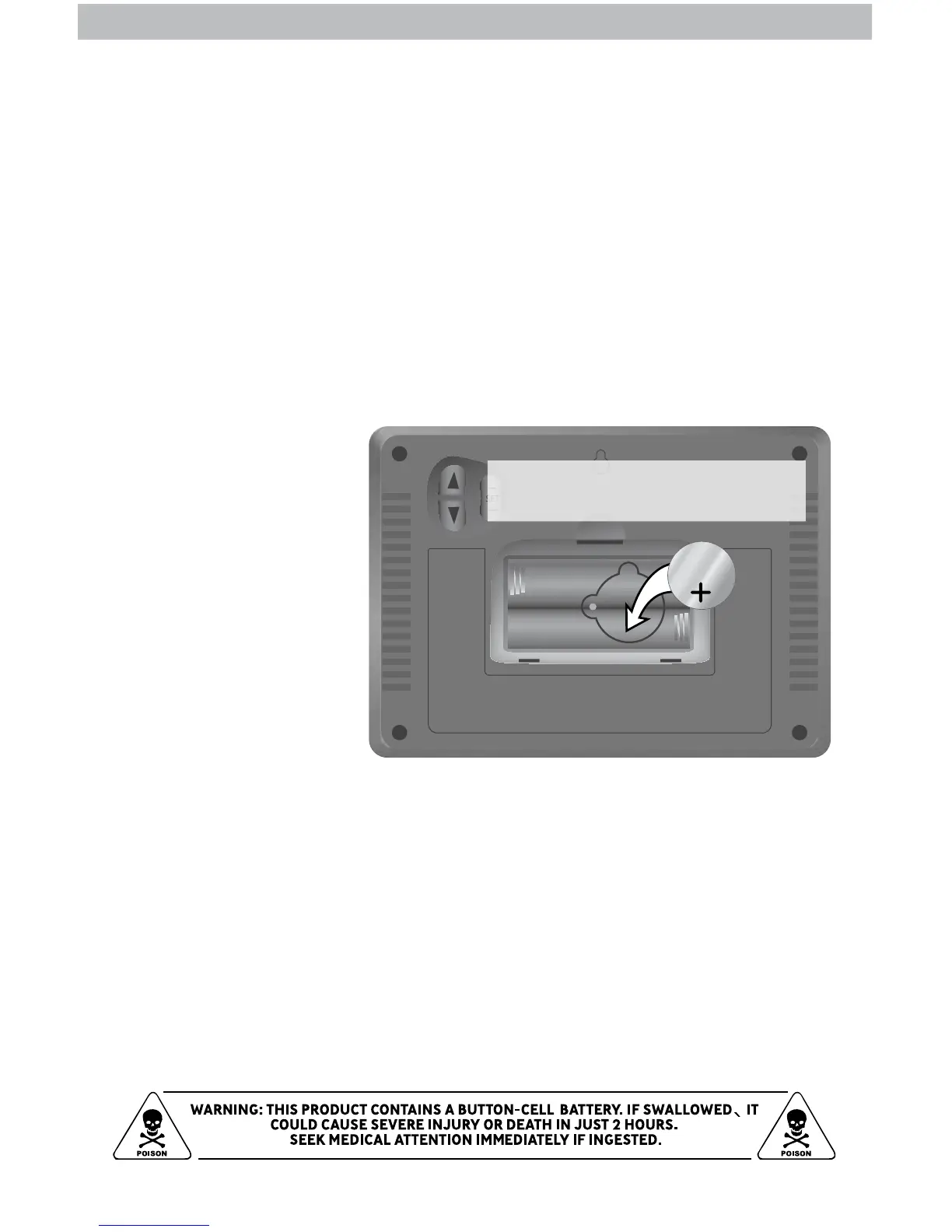
Remove small screw to gain access to
the Intelli-Time battery compartment.
This device comes with
a factory installed
“CR2032” coin-cell
battery that powers the
Intelli-Time memory.
If the display unit sits
without power for a long
period of time, the coin-
cell battery may need to
be replaced to ensure
the Intelli-Time feature
functions properly.
CR2032
3V
Care & Maintenance
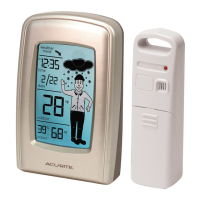
Display Unit Care
Clean with a soft, damp cloth. Do not use caustic cleaners or abrasives. Keep
away from dust, dirt and moisture. Clean ventilation ports regularly with a
gentle puff of air.
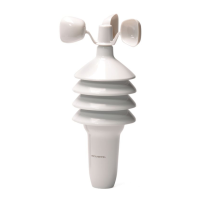
Outdoor Sensor Care
Clean with a soft damp cloth. Do not use caustic cleaners or abrasives.
Install battery with “+” positive
terminal facing OUT.


 To Next Page