( 3 • PLACEMENT )
Now that setup is complete, you must choose a location to place the wireless
sensor and the main unit. The wireless sensor MUST be placed less than 100
feet away from the main unit.
This wireless thermometer uses radio frequency for communication, which is
susceptible to interference from other electronic devices and large metallic
items or thick walls. Always place both units at least 3 feet away from
appliances
ITV, microwave, radios, etc. I or objects I large metal surfaces, thick
stone walls, etc.
I that may interfere with the wireless communication.
....
'o'
✓.,.
- -
/ I \'
100 feet maximum
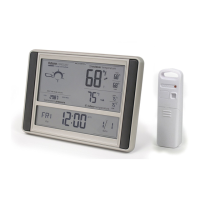
Placement of Main Unit
Place the main unit in a dry area free of dirt and dust. To help ensure
an accurate indoor temperature measurement, be sure to place the
main unit out of direct sunlight, and away from any heat sources or
vents in your home.
There are 2 placement options for the the main unit. You may hang
the main unit on a wall using the integrated hang hole on the back.
Alternatively, you may use the fold out "table stand" to place the
main unit on a table top or other flat surface.
Placement of Sensor
The wireless sensor MUST BE PLACED OUTDOORS to observe
outdoor temperatures and relay the outdoor temperature to the main
unit display. The wireless sensor must be placed less than 100 feet
from the main unit.
The wireless sensor is water resistant and is designed for outdoor
use. However, to extend the life of the product, place the wireless
sensor in an area protected from direct weather elements. To ensure
an accurate outdoor temperature measurement, be sure the wireless
sensor is placed out of direct sunlight and away from any heat
sources.
- 4 -
Wireless Reception
The main unit has a wireless signal reception
icon in the temperature display area and in the
clock display area. If there are a low number of
"bars" present, you may experience no
temperature display
I .. __.. I or clock inaccuracy.
In either case, you may need to relocate one or
both of the units. If most or all 4 of the bars are
present, wireless reception is good and no action
wireless sensor temperature
~;~~~';2
8
111111/1111
I I I I I I
rrF
y °F. 51'
;outdoortempe
w~o1a,!J'Dl
is required.
Atomic clock reception
TIIII TIii TIIII
no reception
• • • • • • • • • • • • • • • • • • .... _ great reception
( 4 • OPERATION )
After the main unit and the wireless sensor are both powered on and wirelessly
synchronized, no further input is required. The atomic clock will automatically
re-synchronize occasionally to ensure the clock is accurate.
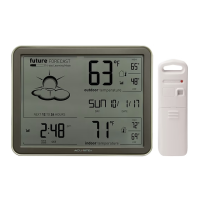
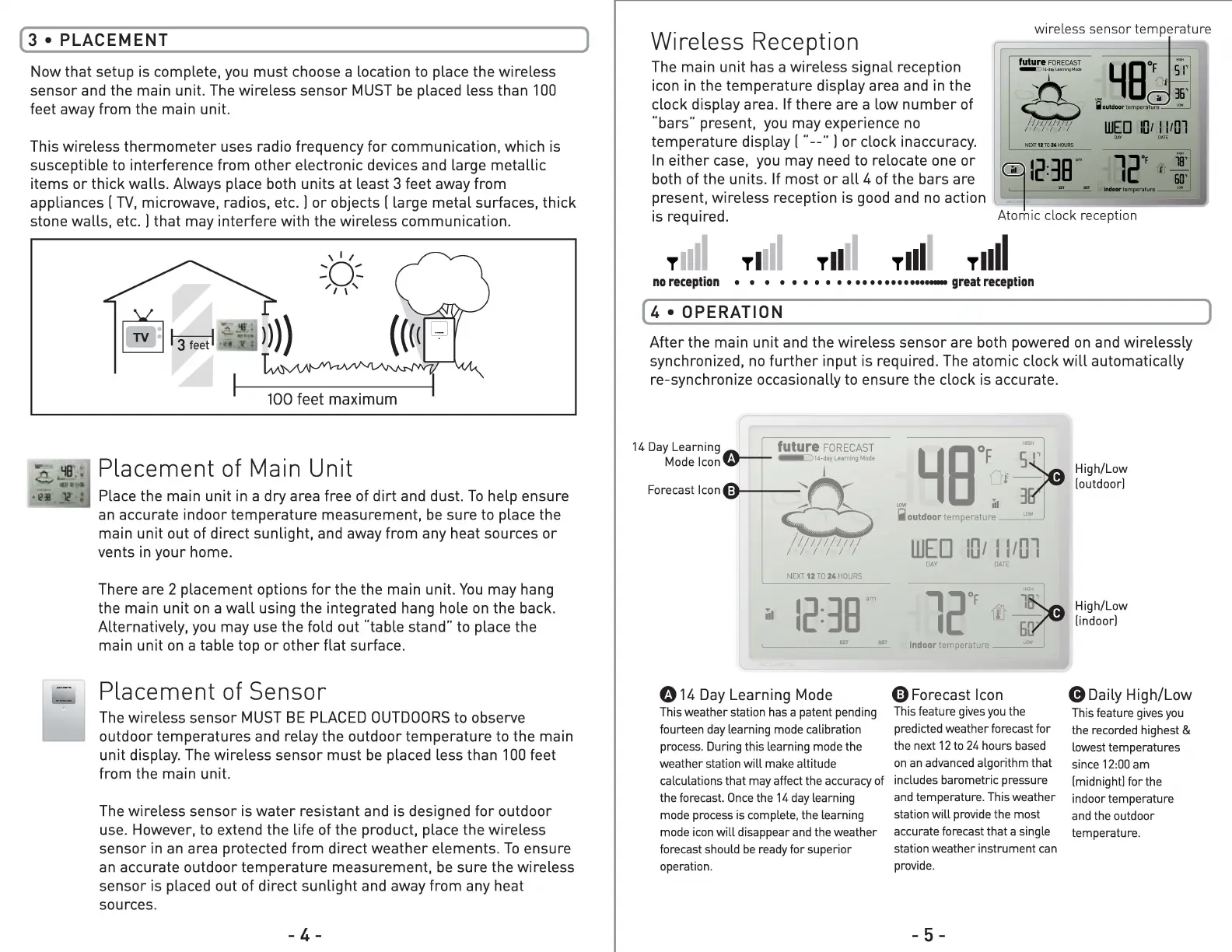
14 Day Learning
future FORECAST
~14-dayLearningMode
Mode Icon
8
l
Forecast Icon
/11111/111/
I I I I I I
NEXT 12 TO 24 HOURS
High/Low
1
5~
[outdoor]
~e•F~
LON Ill 3
.iioutdoor temperature __ u,w
WED
10, 11,01
DAY DATE
""
ul
1' l~
12:38
l20F
am
6 .
L__
014 Day Learning Mode
This weather station has a patent pending
fourteen day learning mode calibration
process. During this learning mode the
weather station will make altitude
calculations that may affect the accuracy of
the forecast. Once the 14 day learning
mode process is complete, the learning
mode icon will disappear and the weather
forecast should be ready for superior
operation.
indoor temperature
0 Forecast Icon
This feature gives you the
predicted weather forecast for
the next 12 to 24 hours based
on an advanced algorithm that
includes barometric pressure
and temperature. This weather
station will provide the most
accurate forecast that a single
station weather instrument can
provide.
- 5 -
High/Low
[indoor]
(9 Daily High/Low
This feature gives you
the recorded highest
&
lowest temperatures
since 12:00 am
[midnight] for the
indoor temperature
and the outdoor
temperature.


 To Next Page
 Loading...