EN
en
16
MCBA PArAMeters for the sPeCiAlist
660Y1400 - A
PARAMETER MODE
SETTING THE MCBA PARAMETERS
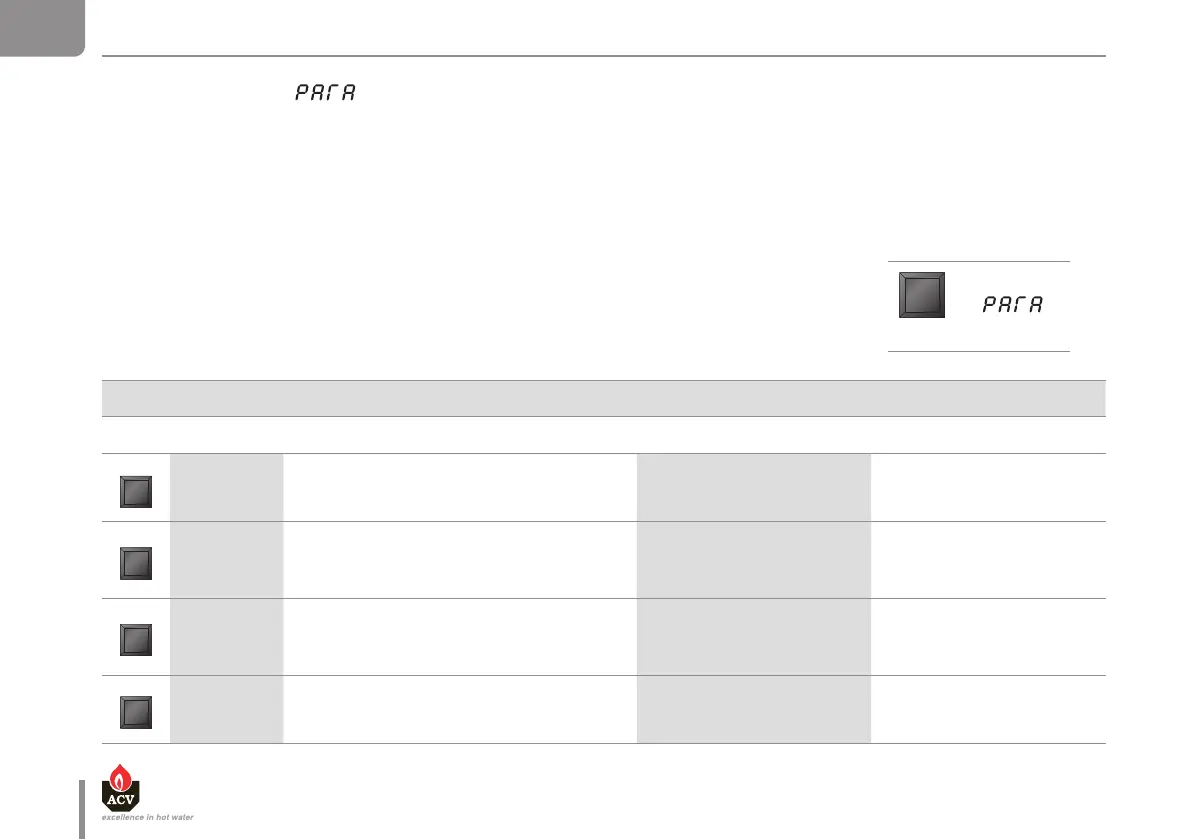
To access the Parameter mode when the system is in Standby mode, press the “MODE” key once.
To scroll through the list of parameters press the “STEP” key. To modify the value of the parameter, use the “+” or “-” keys.
Then, press the “STORE” key to save the modified value. The screen will flash once to confirm the data has been
saved.
To activate the modified parameters, press “MODE” again (this will switch you to Info mode). However, if you do not
press any key, the system returns to Standby mode after 20 minutes and activates the changes.
Factory settings
STEP Display Parameter Description HM 25 / 35 / 45 / 70 / 85 /120 TC HM 71 / 101 / 201
1. 67
Setting the hot water temperature
1. 60 1. 90
2. 0 1
Hot water production DHW
00 = OFF
01 = ON
2. 0 1 2. 0 1
3. 0 1
Switching heating On/Off
00 = OFF
01 = ON
3. 0 1 3. 0 1
4. 70
Maximum temperature in central heating mode
CH
4. 85 4. 90
DISPLAY
MODE


 To Next Page