en
17
ENMCBA PArAMeters for the sPeCiAlist
660Y1400 - A
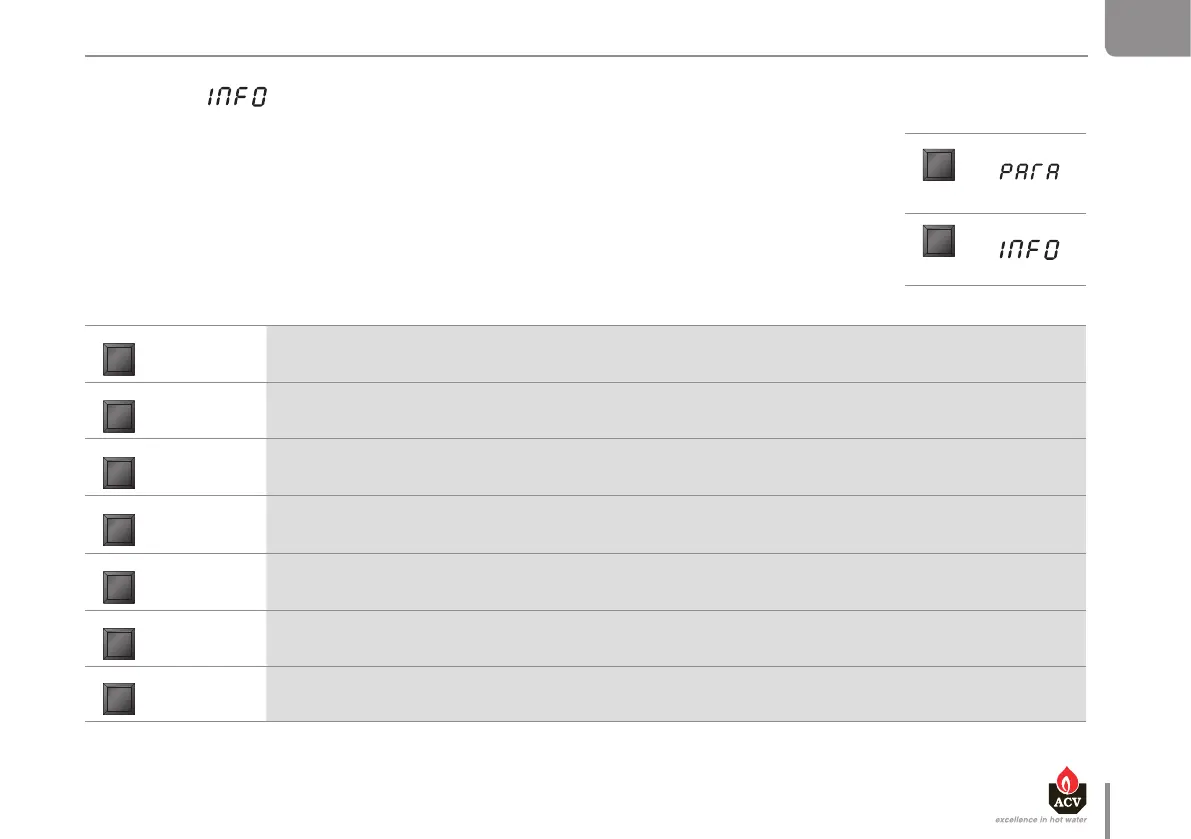
INFO MODE
INFORMATION ON THE INSTALLATION
To switch from Stand-by mode to Info mode, press the “MODE” key twice
Press the “STEP” key until the desired information is displayed.
The dot located behind the first position flashes to indicate that the boiler is in Info mode.
DISPLAY
MODE
MODE
STEP Display Parameter Description
1. 60
Flow temperature T1 in °C
2. 50
Return temperature T2 in °C
3. 65
DHW temperature T3 in °C
4. 03
Outside temperature T4 in °C
5. 55
Flue gas temperature T5 in °C
6. 45
Flow temperature set-point calculated in °C
7. 00
Rate of increase of flow temperature in °C/S


 To Next Page