Addmaster Corporation IJ-7100 User’s Guide
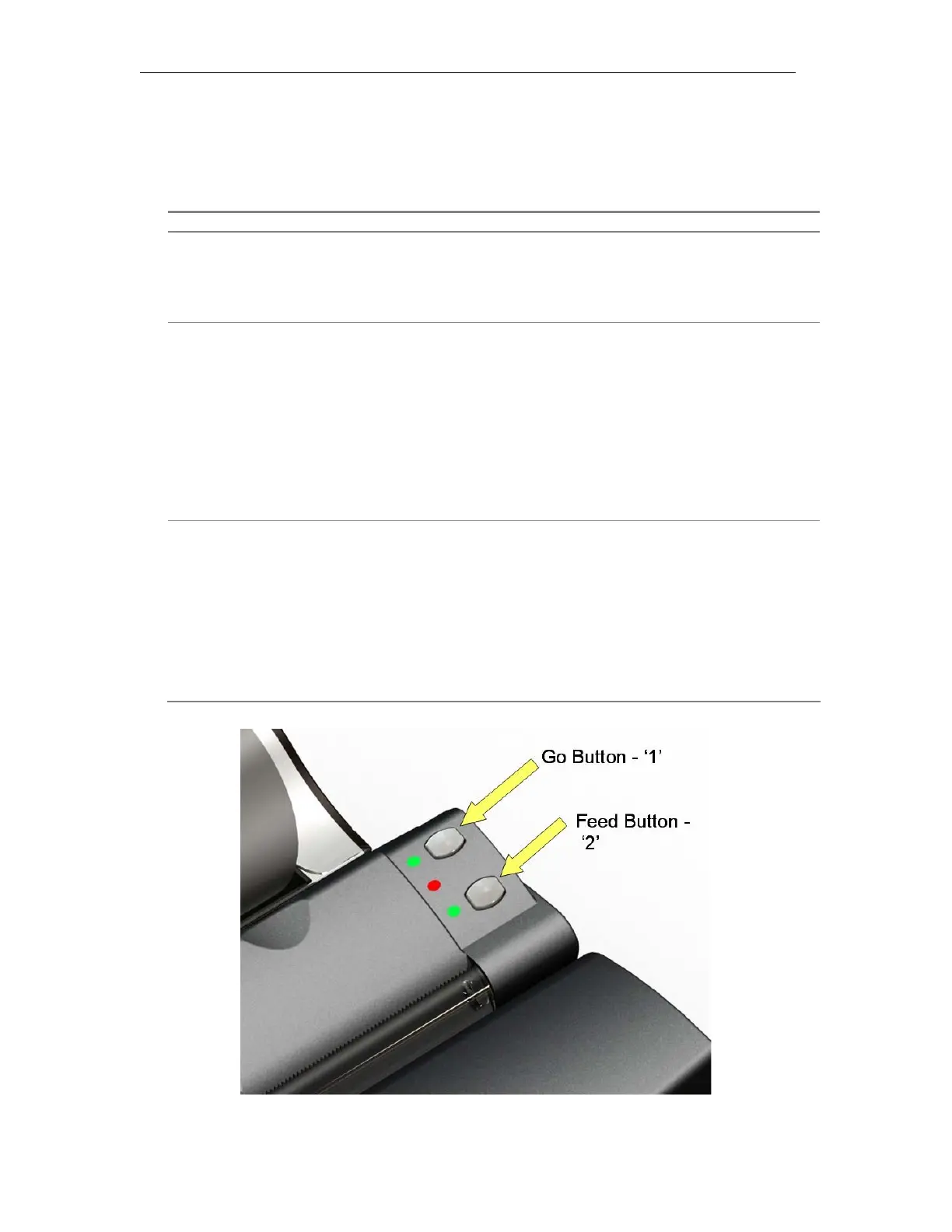
3.1 Operator Controls
Item Usage
Power Switch.
Cuts power to the printer.
ALWAYS USE THE POWER SWITCH TO REMOVE POWER.
Paper-Feed
Button.
‘2’
Feeds paper forwards.
Short depression: Feeds last printed line past tear-bar (about 2
inches).
Long depression: Feeds paper continuously while button is
depressed. Waits ½ second before
beginning to feed.
Go Button.
‘1’
Causes action.
Short depression: Services print head. Spits and wipes to clean
and prepare print head when mispeforming.
Long depression: Causes a Printer Status Message to be
printed.
_____________________________________________________________________________
Page 12



 To Next Page