Addmaster Corporation IJ-7100 User’s Guide
1 Introduction
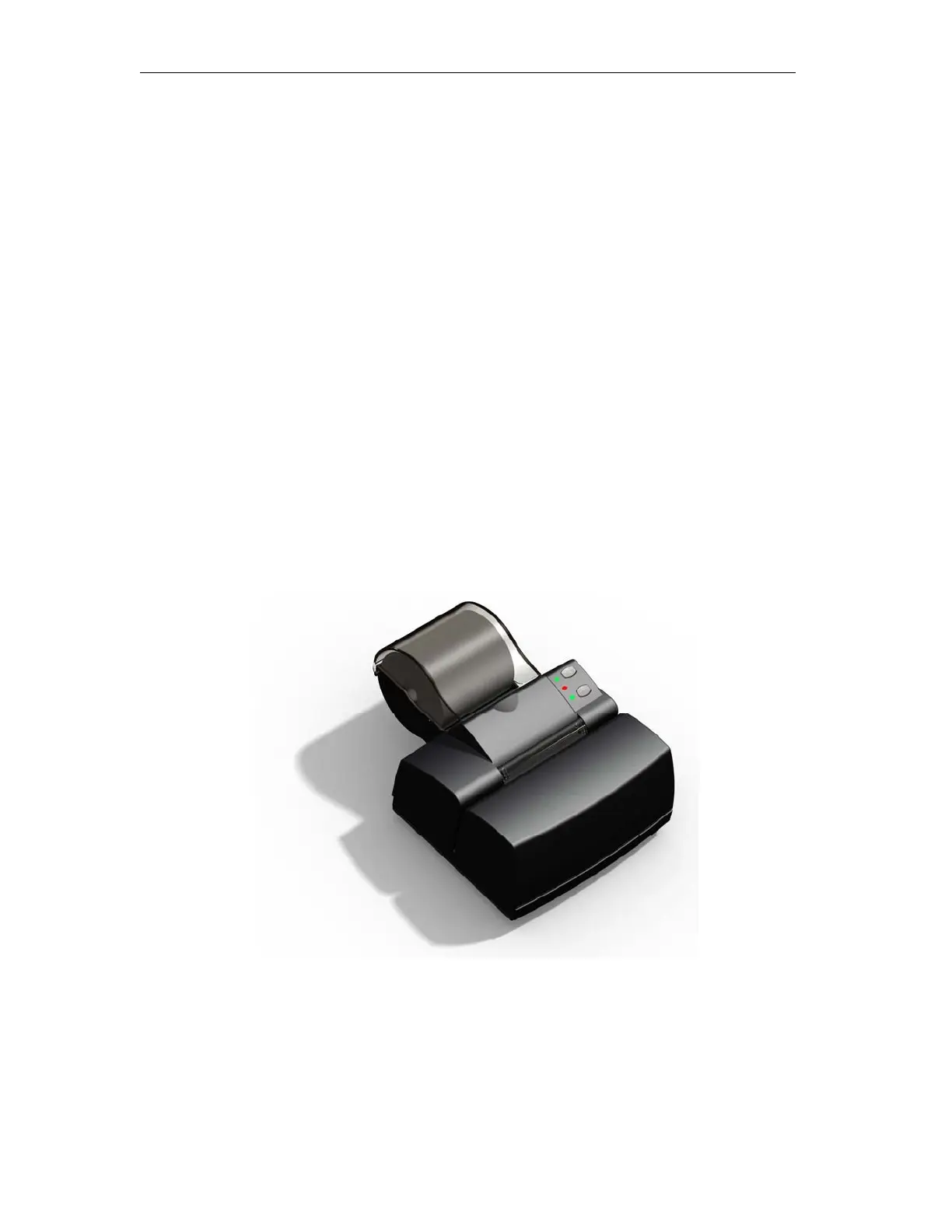
The IJ-7100 Ink-Jet Transaction Printer is a modern, high-reliability transaction printer designed
for use in financial, POS and other applications. The IJ-7100 prints on 3 inch wide journal or
receipt paper, as well as inserted documents which may be of any size. The printer uses the
Hewlett-Packard C6602A Ink-Jet cartridge.
The printer is designed for ease of use. It features a small foot-print, automated paper loading,
simple intuitive operator controls and indicators, and reliable operation. The IJ-7100 is typically
connected to a Host computer through industry standard interfaces. RS-232C serial, USB and
Parallel interfaces are available. Printer firmware is stored in “Flash” memory, which supports
field updates of firmware, fonts, and logos.
The IJ-7100 may be installed with an “emulation,” which is a special set of firmware that allows
that printer to operate using the command set of another manufacturer’s printer. This facilitates
the installation of the IJ-7100 in many applications. Emulations are described also in section 1.2.
Figure 1.1 Addmaster IJ-7100
_____________________________________________________________________________
Page 5



 To Next Page