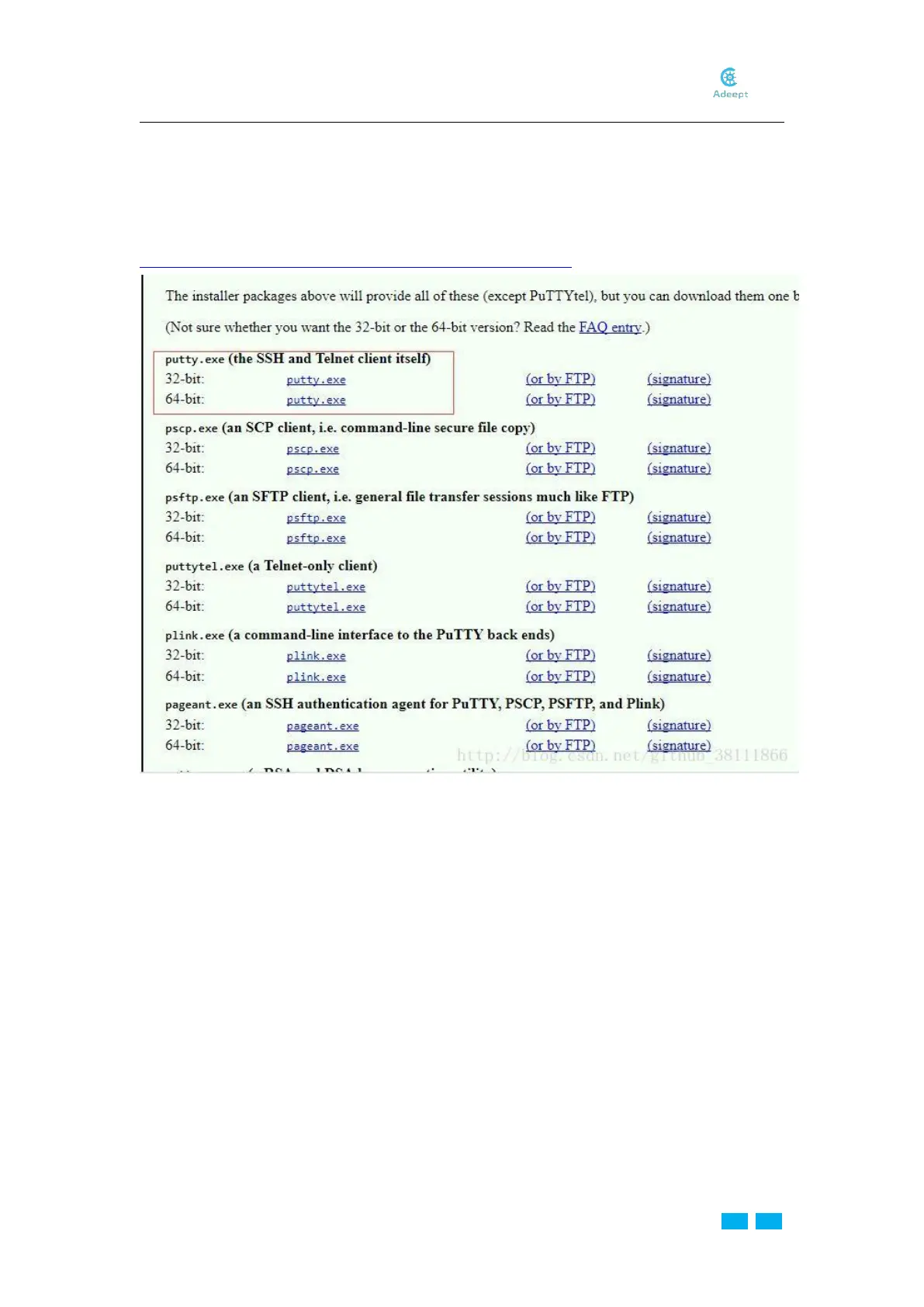
Download and Install PuTTy
PuTTy is a software that connects with the Raspberry Pi via ssh. With the tool, you may
control the Raspberry Pi by the computer.
Download:
https://www.chiark.greenend.org.uk/~sgtatham/putty/latest.html
Acquire Raspberry Pi’s IP Address
Install the 18650 batteries and switch on the car.
Method A: Log in to the router management page on the computer to check the address of
the Raspberry Pi.
Method B: Download the Network Scanner App to check the address.
The address of the Raspberry Pi is the one with "Raspberry".
*
The name of the router that the computer or mobile connects should be consistent with
the one of the WiFi in the file wpa_supplicant.conf written to the root directory of the SD
card in the Raspberry Pi.



 To Next Page