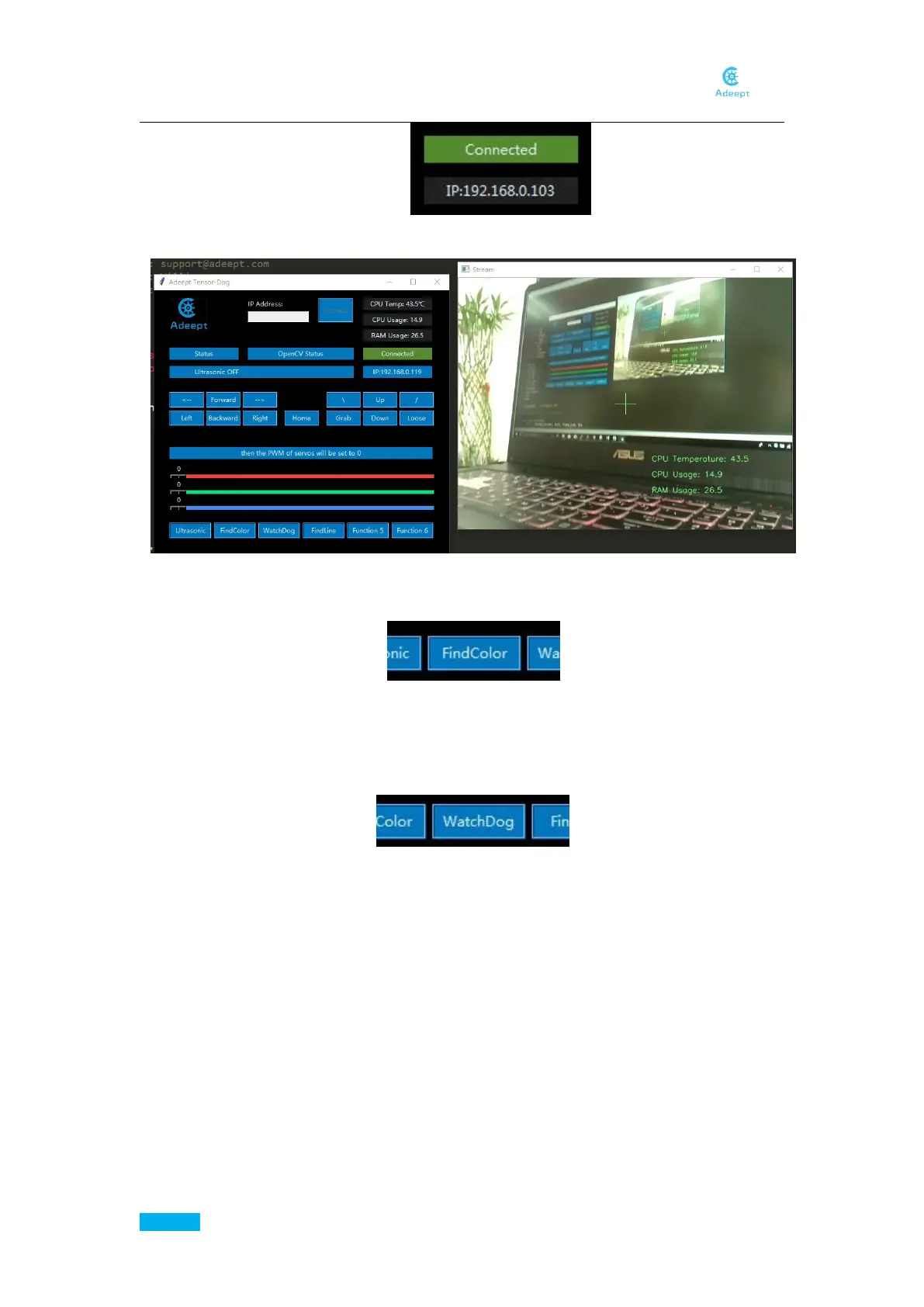
After the connection is made successfully, the Video window shows up.
OpenCV Color Recognition
By default, the Robot finds the biggest yellow object in its view and follows it. When it gets
close enough, it would stop, and if it gets too close to the yellow object, it would go back.
OpenCV Watch Dog Function
If the camera on the robot detects an object moving or changing, the LEDs on the robot will
turn red. This feature is developed based on Adrian Rosebrock's OpenCV code on
pyimagesearch.com. You can also learn more about the OpenCV to gain more fun to play
with, such as syncing the captured image to the dropbox after detecting the motion of the
object. The example program we provide just makes the LEDs display red however. For other
functions, you can install the corresponding packages according to your needs, just by
changing the code in FPV.py.
Line Following Mode
The robot can track lines and follow them, proceeding along a preset path that can be altered
by moving the lines, and this part of Python program is easy to understand. You can open
findline.py and learn to write it yourself.



 To Next Page