Industrial Electronic Devices
ADFweb.com S.r.l.
Document code: MN67912_ENG Revision 1.000 Page 22 of 30
SCAN FUNCTION:
“SCAN” function is integrated in the configurator software SW67912. It is possible to access to these functions by simple click on the “Scan”
button in “HART Variables” section.
It has the following characteristics:
Possibility to scan HART network;
Automatic decode of HART messages;
Easy connection directly through the Ethernet port of the converter.
In order to start the Scan, it is necessary to use this procedure after having set the IP Address inside the converter:
Connect the converter in Normal Mode to the PC using Ethernet port;
Open the section “HART Variables” of SW67909;
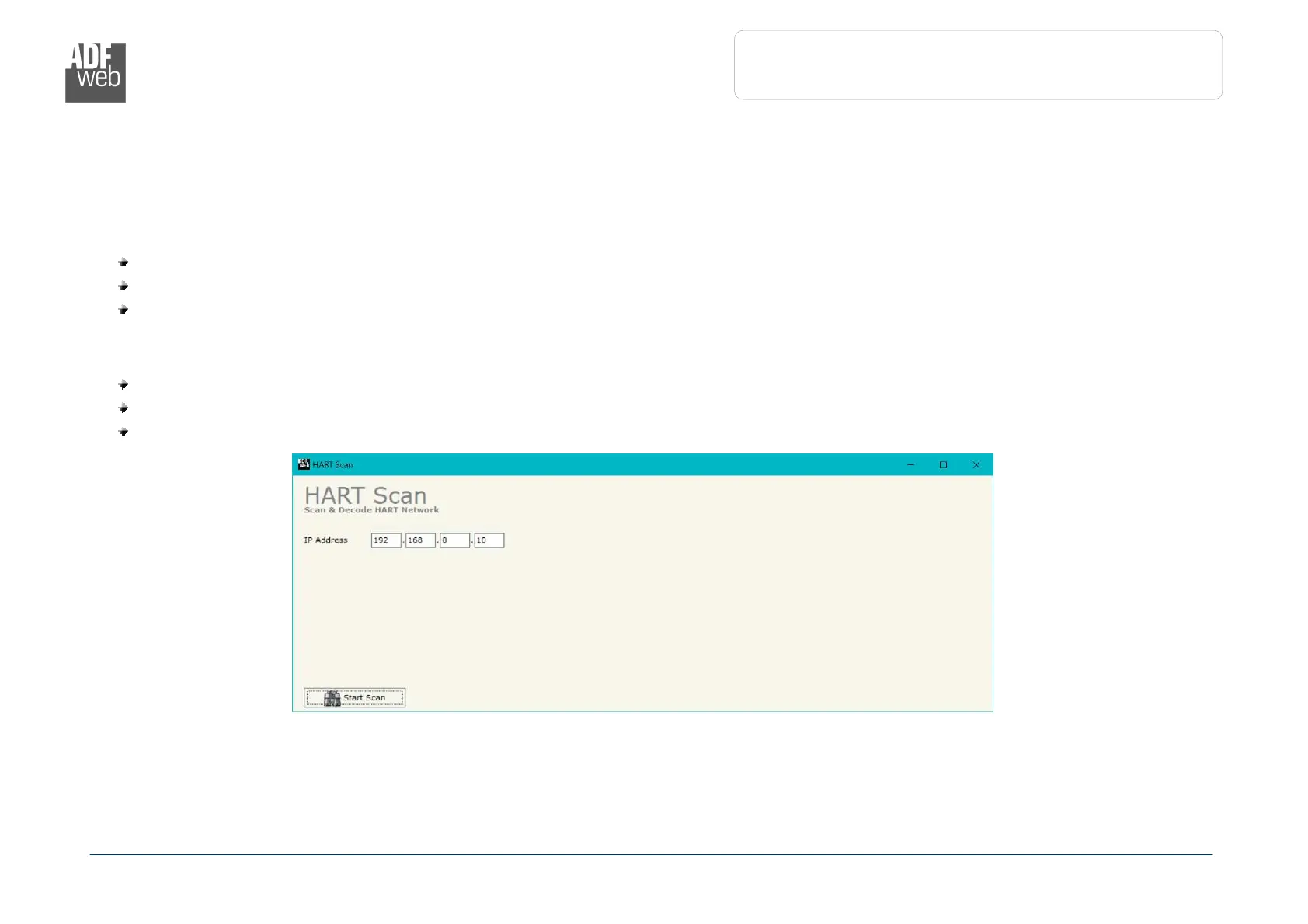
Click on “Scan” button. The window that appears will be like below:


 To Next Page