ADJ Products, LLC - www.adj.com - Entour Chill User Manual Page 9
Entour Chill System Menu
SYSTEM MENU
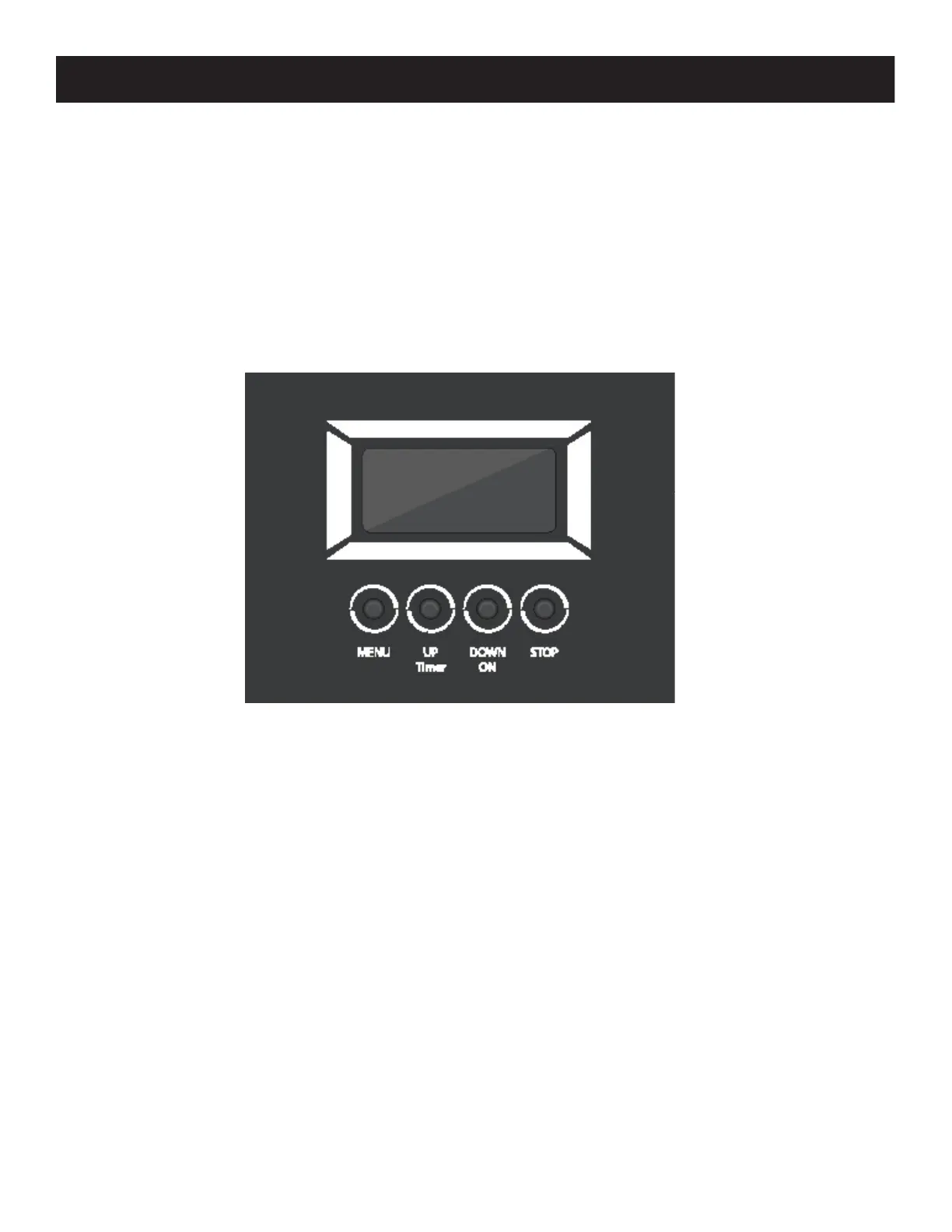
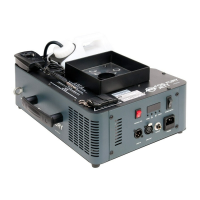
The xture includes a user-friendly system menu control display where all necessary settings and
adjustments are made. (See image below) During regular operation, pressing the MENU button once
will access the xture’s main menu. Continue to press the MENU button to cycle through the vari-
ous menu options. When you reach a eld that requires adjusting, use the UP and DOWN buttons to
improve the eld. Pressing the STOP button to return to the beginning of the menu.
After 10 seconds of non-operation, the system will return to the “Ready to Fog” status screen.


 To Next Page