ADJ Products, LLC - www.adj.com - XS 600 User Manual Page 17ADJ Products, LLC - www.adj.com - XS 600 User Manual Page 16
XS 600 UC IR Control
The UC IR infrared remote (sold separately) gives you control of various
functions. To control the fixture you must aim the remote at the front of the
fixture and be no more then 30 feet away.
The XS 600 comes with the Airstream IR remote transmitter. The ADJ
Airstream IR is a universal infrared remote control App used to control a
variety of UC IR compatiable fixtures. You can download the Airstream IR
App in the iOS App store. The remote transmitter plugs into the headphone
jack of your iOS phone or tablet. The App comes with 3 pages of control
depending on the IR fixture you are using. Additional Airstream IR transmit-
ters are available for purchase please contact your ADJ dealer.
STAND BY - Pressing this button will blackout the fixture.
FULL ON - Hold this button down to fully light up the unit. When you let the
button go, the unit will return to its previous state.
FADE/GOBO - Press this button to enter color change mode. Press the
button a second time run color rainblow. Press this button a third time exit.
Use the Dimmer buttons to adjust the output intensity.
“DIMMER +” and “DIMMER -” - These buttons are used to adjust the out-
put intensity.
STROBE - Press the button to activate strobing. Press the button the first
time strobe at the highest rate. Press the button a second time to strobe
at medium rate. Press the button a third time to strobe at the slowest rate.
Press the button for a fourth time to exit.
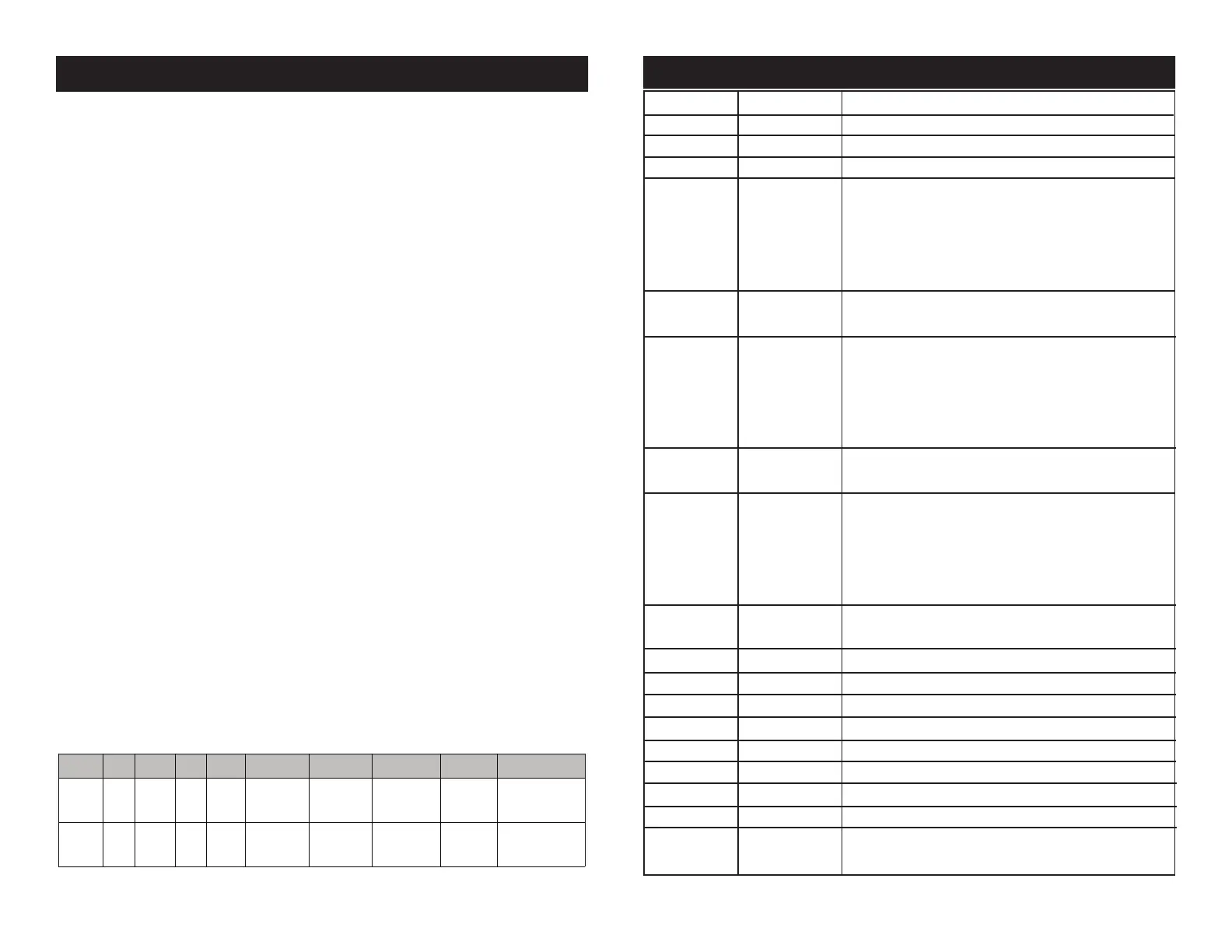
COLOR - Press this button and use buttons 1-9 to select your desired
color. See the color chart below for the numeral buttons and colors.
1-9 - When in color or show mode these buttons will allow you to select
your desired color or show.
SOUND ON & OFF - These buttons activate and deactivate the sound ac-
tive mode.
SHOW 0 - This activates the show mode. Press the Show 0 button to acti-
vate random show mode, or use buttons 1-8 to select a preset show.
XS 600 25 Channel Mode
Channel Value Function
1 0 - 255 PAN
2 0 - 255 TILT HEAD 1
3 0 - 255 TILT HEAD 2
4 PAN CONTINUOUS ROTATION
0 - 55 NO FUNCTION
56 - 127 CLOCKWISE ROTATION
128 - 199 COUNTER-CLOCKWISE ROTATION
200 - 255 NO FUNCTION
5 PAN CONTINUOUS ROTATION SPEED
0 - 255 SLOW - FAST
6 TILT 1 CONTINUOUS ROTATION
0 - 55 NO FUNCTION
56 - 127 CLOCKWISE ROTATION
128 - 199 COUNTER-CLOCKWISE ROTATION
200 - 255 NO FUNCTION
7 TILT CONTINUOUS ROTATION SPEED
0 - 255 SLOW - FAST
8 TILT 2 CONTINUOUS ROTATION
0 - 55 NO FUNCTION
56 - 127 CLOCKWISE ROTATION
128 - 199 COUNTER-CLOCKWISE ROTATION
200 - 255 NO FUNCTION
9 TILT CONTINUOUS ROTATION SPEED
0 - 255 SLOW - FAST
10 0 - 255 HEAD 1 RED LED 0% - 100%
11 0 - 255 HEAD 1 GREEN LED 0% - 100%
12 0 - 255 HEAD 1 BLUE LED 0% - 100%
13 0 - 255 HEAD 1 WHITE LED 0% - 100%
14 0 - 255 HEAD 2 RED LED 0% - 100%
15 0 - 255 HEAD 2 GREEN LED 0% - 100%
16 0 - 255 HEAD 2 BLUE LED 0% - 100%
17 0 - 255 HEAD 2 WHITE LED 0% - 100%
18 COLOR MACROS & EFFECTS
0 - 10 NO FUNCTION
BUTTON 1 2 3 4 5 6 7 8 9
HEAD1 RED GREEN BLUE WHITE RED RED(100%)
BLUE(100%)
GREEN RED BLUE50%
RED100%
HEAD2 RED GREEN BLUE WHITE RED(100%)
GREEN(100%)
GREEN RED(100%)
GREEN(100%)
WHITE BLUE


 To Next Page
 Loading...