ADOBE AUDITION 3.0
User Guide
15
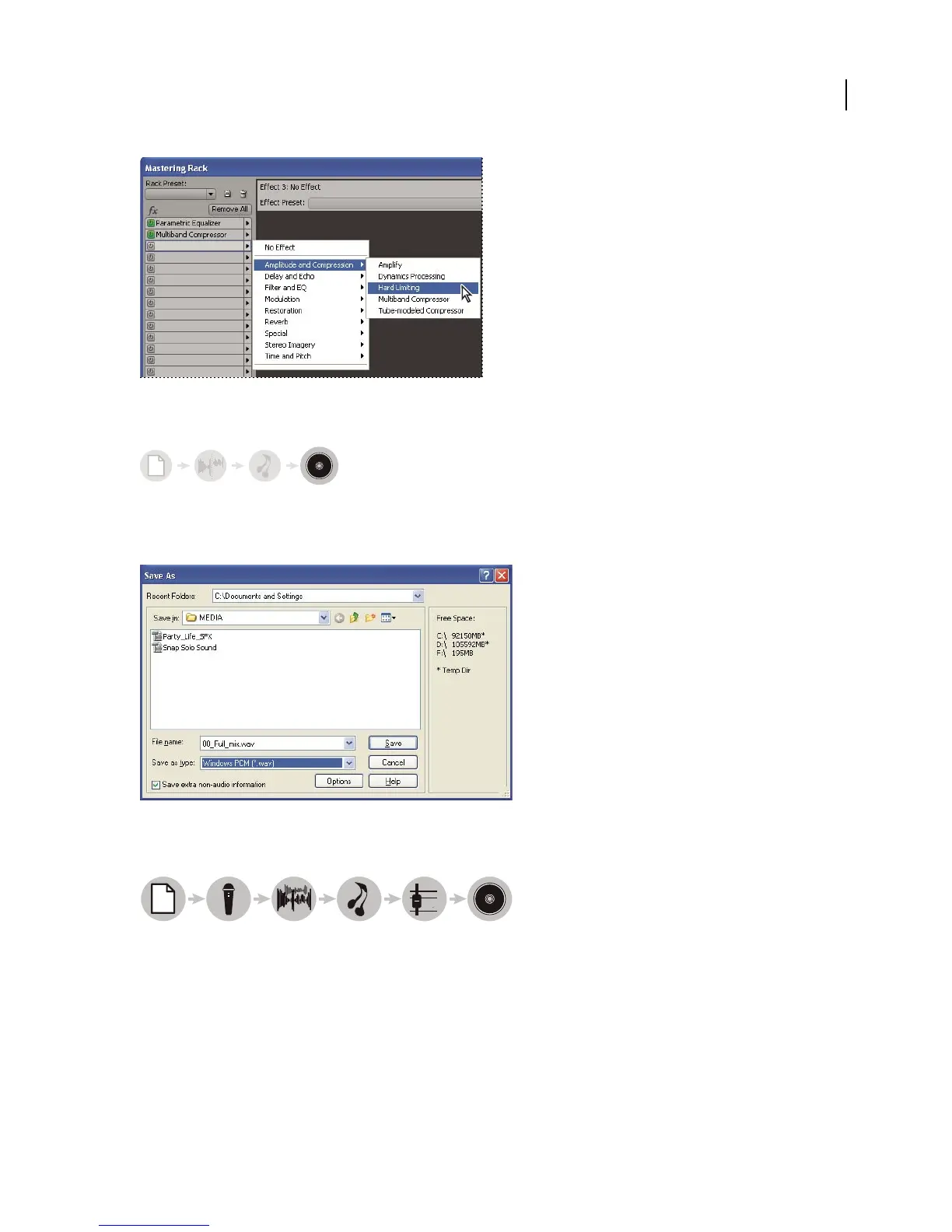
Applying groups of effects in the Mastering Rack
Save your changes
Save the polished, final file to disk, or automatically insert it in CD View or a multitrack session. (See “Saving and
exporting files” on page 240 and Building audio CDs.)
Saving a file to disk
Multitrack workflow
1. Open session 2. Insert or record files 3. Arrange clips 4. Apply effects 5. Mix tracks 6. Export
In Multitrack View, you layer multiple audio files to create stereo or surround-sound mixes. The edits and effects you
apply aren’t permanent; if a mix doesn’t sound good next week, or even next year, simply change mix settings. (See
“About multitrack sessions” on page 179.)
123456



 To Next Page