ADOBE FRAMEMAKER 10
MIF Reference
198
For partial and full differentials (such as and ), see page 194.
Indexes
There are three expressions for describing indexes: indexes, chem, and tensor.
indexes: The indexes expression describes any number of subscripts and superscripts. The first operand is the
number of superscripts and the second operand is the number of subscripts. Subsequent operands define the
subscripts and then the superscripts.
Note: Note that the number of superscripts is listed before the number of subscripts. However, superscript operands are
listed after subscript operands.
The following table contains an example of each
indexes form.
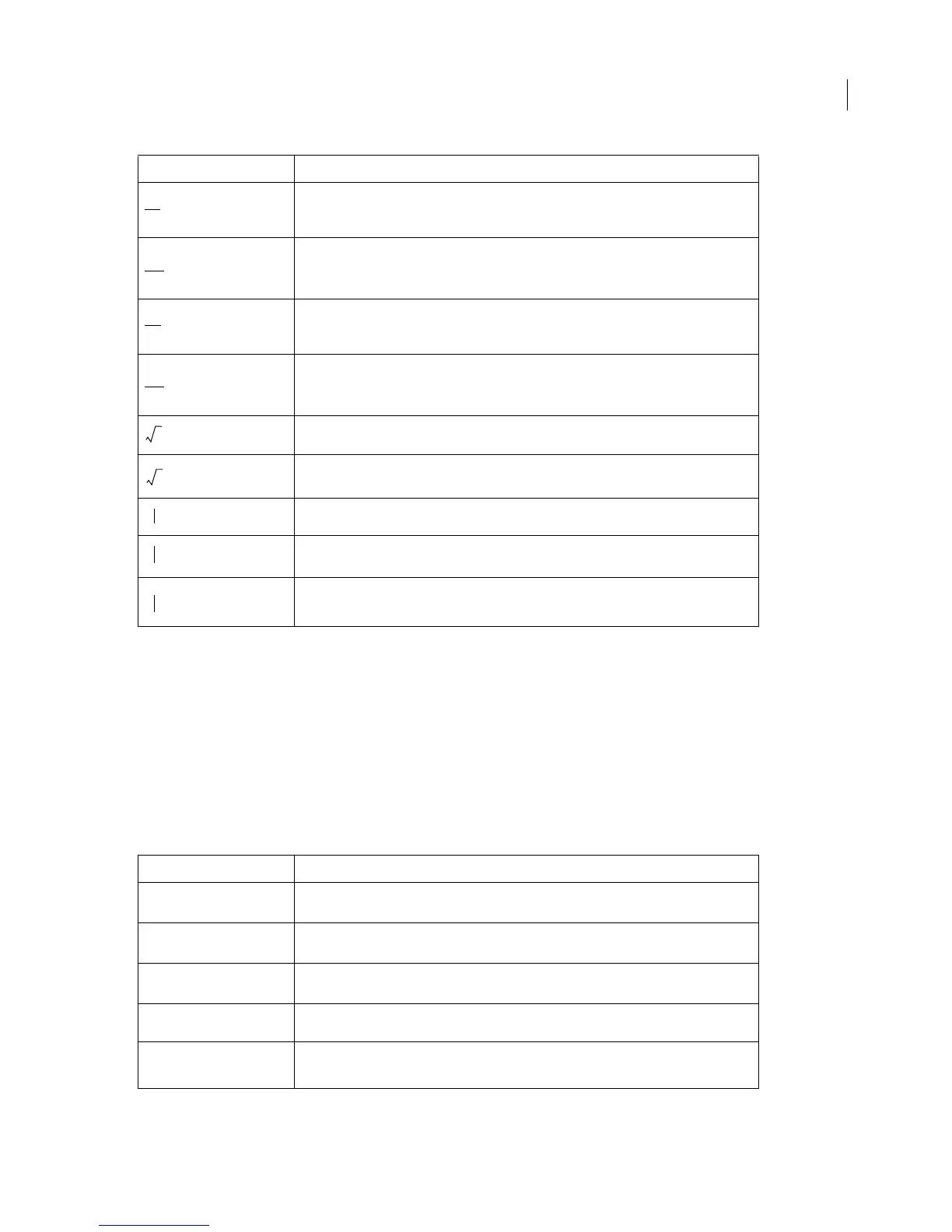
<MathFullForm `oppartial[char[x]]'>
<MathFullForm `oppartial[char[x],char[x]]'>
<MathFullForm `optotal[char[x]]'>
<MathFullForm `optotal[char[x],char[x]]'>
<MathFullForm `sqrt[char[x]]'>
<MathFullForm `sqrt[char[x],char[x]]'>
<MathFullForm `substitution[char[x]]'>
<MathFullForm `substitution[char[x],char[x]]'>
<MathFullForm `substitution[char[x],char[x],char[x]]'>
Example MathFullForm statement
<MathFullForm `indexes[0,1,char[x],num[1,"1"]]'>
<MathFullForm `indexes[0,2,char[x],num[1,"1"],num[2,"2"]]'>
<MathFullForm `indexes[1,0,char[x],num[1,"1"]]'>
<MathFullForm `indexes[2,0,char[x],num[1,"1"],num[2,"2"]]'>
<MathFullForm `indexes[1,1,char[x],num[1,"1"],num[2,"2"]]'>
Example MathFullForm statement



 To Next Page