ADOBE FRAMEMAKER 10
MIF Reference
286
Sample FrameVector facet
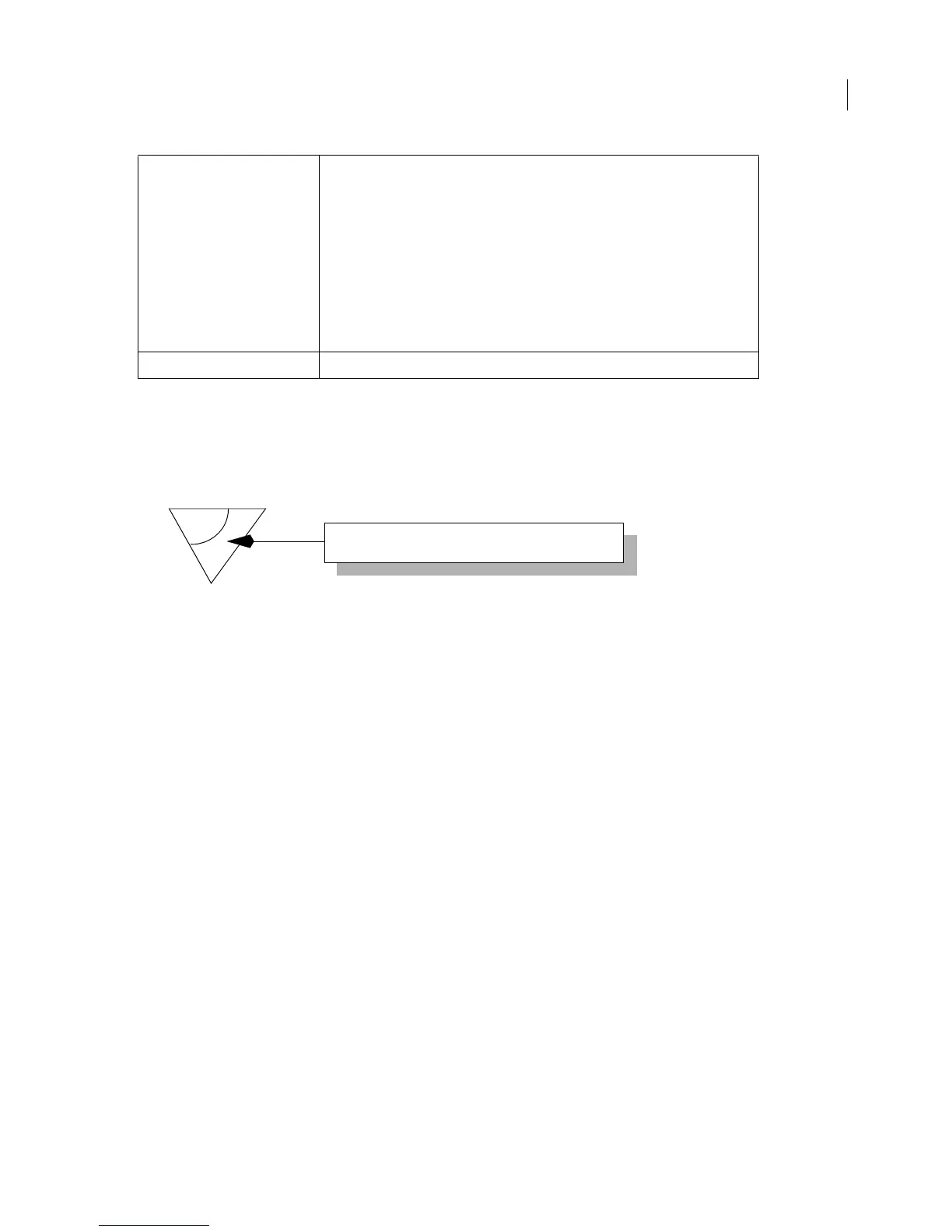
The sample FrameVector facet in this section describes the following illustration:
This illustration is composed of the following graphic objects:
• A rectangle with no border and a gray fill
• A polygon defined by three points, a black border, and no fill
• A rectangle with a black border and a white fill
• A text line with the text “FrameVector Graphic” in small caps
• A polyline defined by two points and an arrow style head
• An arc with a black border and no fill
The following sample facet describes this graphic.
...
=FrameVector
&%v
&<MakerVector6.0>
&\x
&010000000150
&020000001000000000000000000168000000D80000
&230000000400008000
&21000000010F
&24000000080006426C61636B00
&260000000100
&220000000104
&200000000400000000
&8300000010007A00000052000000C0000000190000
&210000000100
&220000000107
&810000001C00000003000E0000004100000029000000710000004C000000410000
&830000001000720000004A000000C0000000190000
&8700000009007B0000005C000000
Example: 8C 00000046 00670000 004F0000 00130000 003C0000 00
...(FrameVector data)...
for a FrameVector graphic with the following specifications:
x position = 103 points (0067)
y position = 79 points (004F)
width = 19 points (0013)
height = 60 points (003C)
flipped left/right = no
Note: The vector graphic is scaled to the size of the bounding rectangle.



 To Next Page