ADOBE FRAMEMAKER 10
MIF Reference
200
Matrices
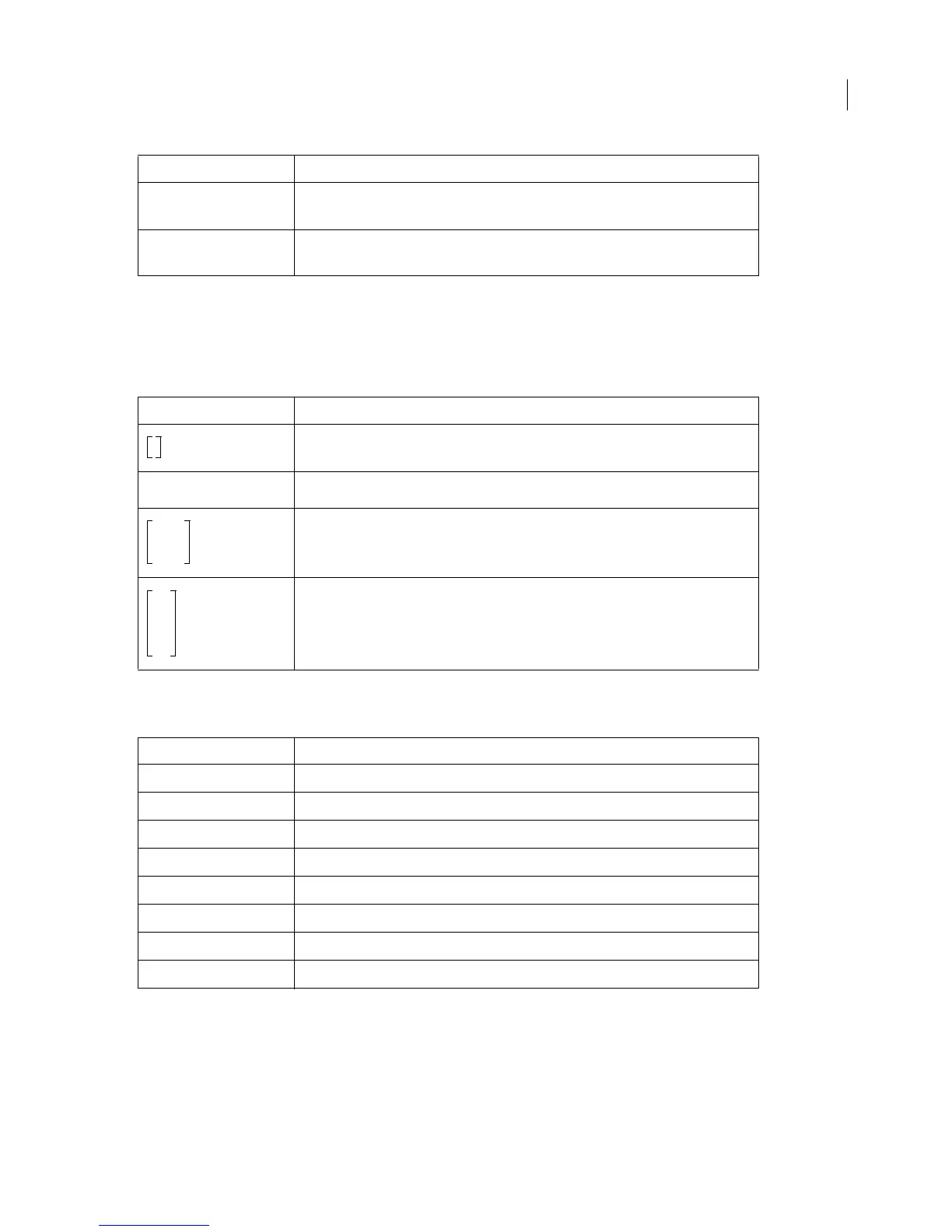
The matrix expression defines a matrix. The first operand is the number of rows in the matrix; the second operand
is the number of columns. Subsequent operands are expressions representing the elements of the matrix. The
elements are listed from left to right and from top to bottom. The
matrix expression has an alternate display format.
The following table shows examples of
matrix.
Custom operators
The following expressions allow you to use custom operators that have been defined on a math reference page:
The expressions that insert new custom operators must include the name of the custom operator from the reference
page. For example, suppose a document has a custom operator
MyFunction that is added to the DMathCatalog
statement as follows:
<DMathCatalog
<DMathNew
<MathFullForm
`tensor[4,char[x],num[1,"1"],num[2,"2"],num[3,"3"]]'>
<MathFullForm
`tensor[3,char[x],num[1,"1"],num[2,"2"],num[3,"3"]]'>
Example MathFullForm statement
<MathFullForm `matrix[1,1,char[x]]'>
<MathFullForm `matrix[(*i1i*)1,1,char[x]]'>
<MathFullForm
`matrix[2,3,num[1,"1"],num[2,"2"],num[3,"3"],num[4,"4"],num[
5,"5"],num[6,"6"]]'>
<MathFullForm
`matrix[3,2,num[1,"1"],num[2,"2"],num[3,"3"],num[4,"4"],num[
5,"5"],num[6,"6"]]'>
Expression Definition
newinfix[x,y]
Inserts custom infix operator
newprefix[x]
Inserts custom prefix operator
newpostfix[x]
Inserts custom postfix operator
newfunction[x]
Inserts custom function operator
newlarge[x,y,z]
Inserts custom large element
newdelimiter[x]
Inserts custom delimiter
newlimit[x,y]
Inserts custom limit function
newvlist[x,y,z]
Inserts custom vertical list
Example MathFullForm statement



 To Next Page