ADOBE FRAMEMAKER 10
MIF Reference
210
Usage
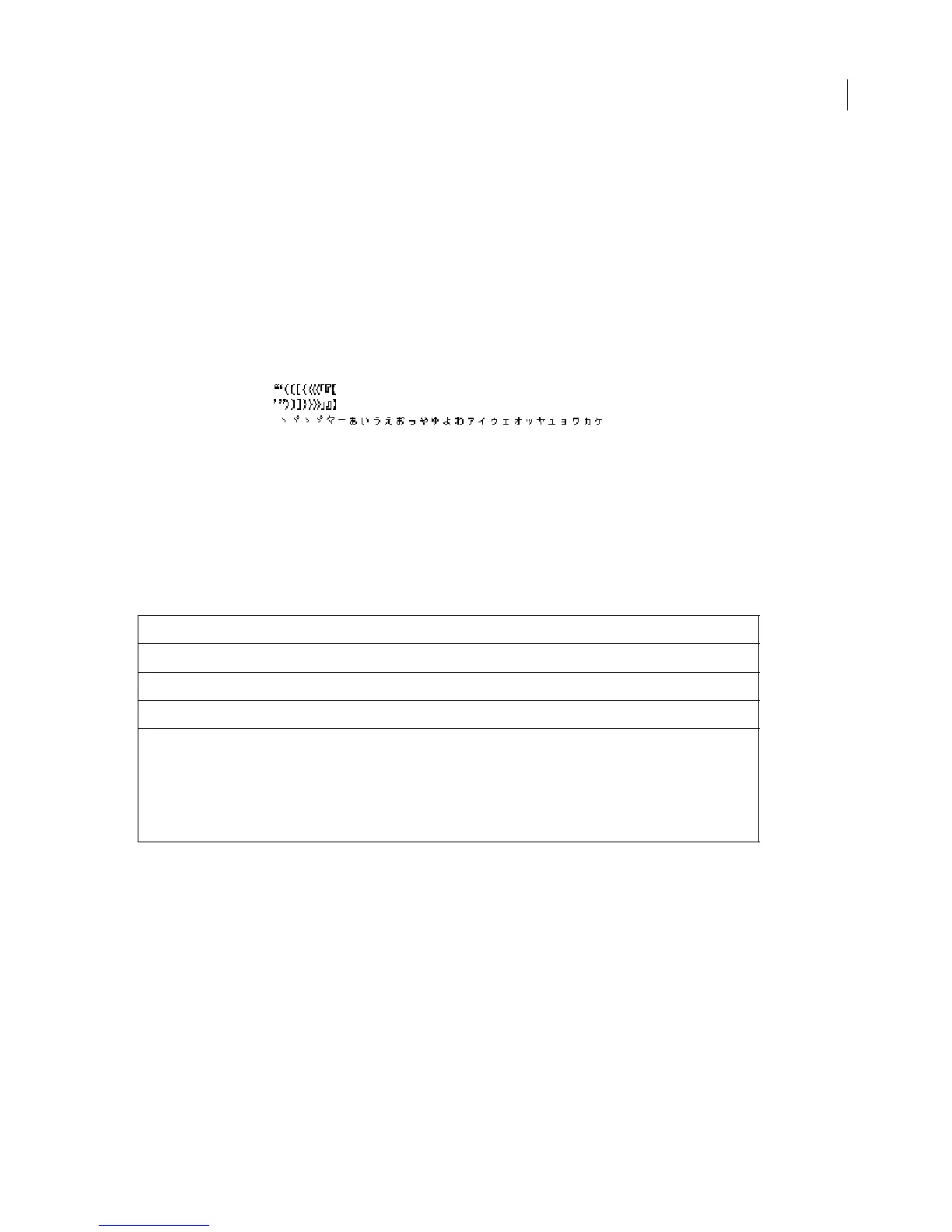
Assigning characters to a class identifies them in the succeeding tables so the various typographical rules can be
specified for each class of character.
Any character that is not assigned to a class is automatically assigned to the
<Others> class. When specifying classes,
you should not assign any characters to
<Others>. In fact, it is not necessary to include a MIF statement for
<Others>. In the following tables, the 12th column position corresponds to the <Others> class.
If you are using Asian system software, you can enter the characters for each class directly in a text file.
Example
The following is an example of a portion of a CharClass statement:
<CharClass
<BegParentheses ` '>
<EndParentheses ` '>
<NoLineBeginChar ` '>
...
> # end of CharClass
SqueezeTable statement
The SqueezeTable statement defines how to compress the space surrounding characters of each class. Note that
each character is rendered within a specific area. For Asian characters, this area is the same for each character. These
rules determine how to compress this area for optimum line rendering.
Syntax
<SqueezeTable
<SqueezeHorizontal
numerals
>
Defines how to squeeze horizontal text
<SqueezeVertical
numerals
>
Defines how to squeeze vertical text
>
End of SqueezeTable statement
The possible values for
numerals
are:
0 - No squeeze
1 - Half squeeze from top or left
2 - Half squeeze from bottom or right
3 - Quarter squeeze from all sides
4 - Same as 3, but do not apply vertical squeeze to a semicolon
5 - This character pair should not have occurred



 To Next Page