ADOBE FRAMEMAKER 10
MIF Reference
222
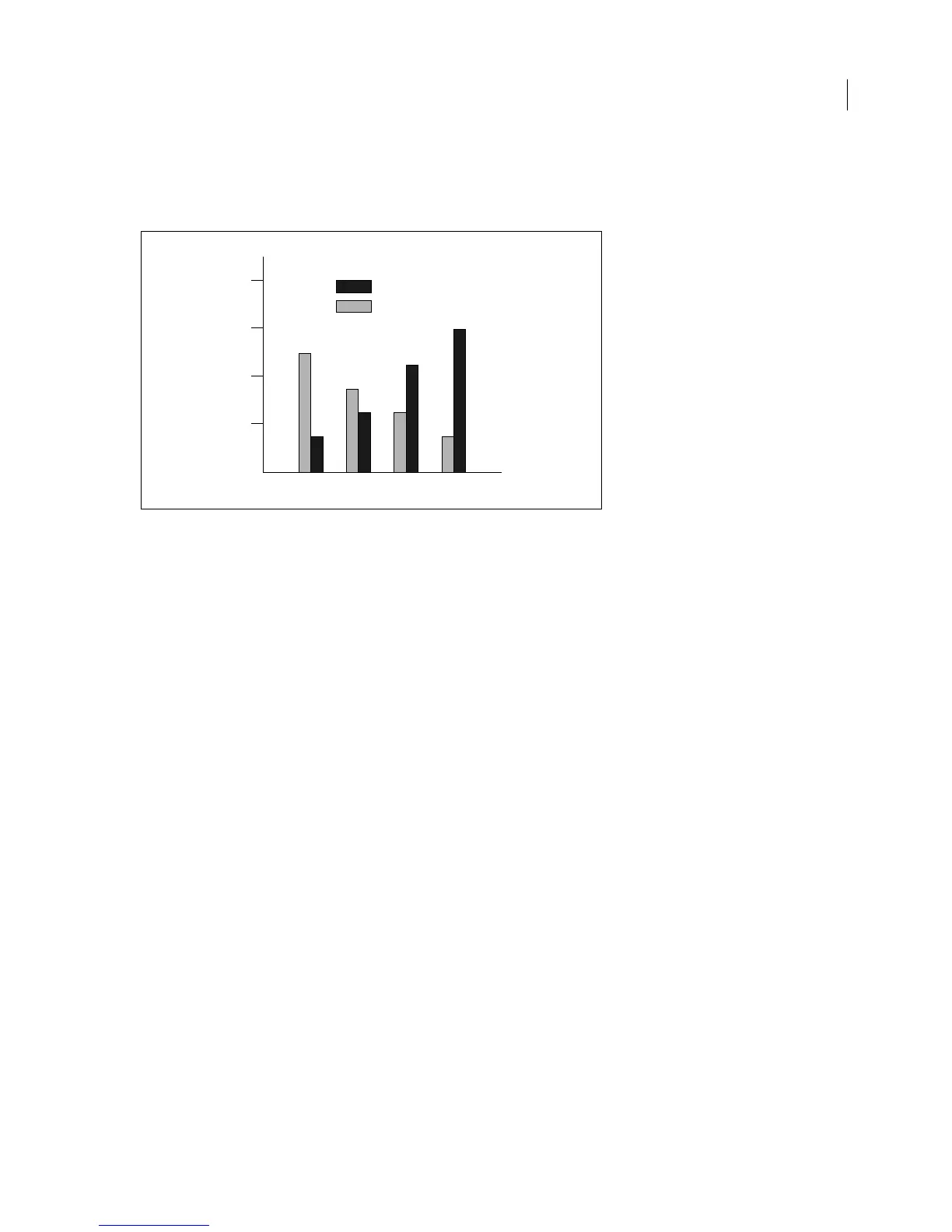
To draw the bar chart, you open or import the MIF file in FrameMaker. Normally, you would create an anchored
frame in a document, select the frame, and then import this file. The MIF statements to describe the bar chart can
be created by a database publishing application that uses the values in a database to determine the size of the bars.
<MIFFile 8.00> # Generated by SomeChartPack 1.4; identifies this
# as a MIF file.
# Chart title, in a text line.
# All objects in the chart are grouped, so they have the
same
# Group ID.
<TextLine <GroupID 1>
<Font <FFamily `Times'> <FSize 14> <FPlain Yes> <FBold Yes>
<FDX 0> <FDY 0> <FDAX 0> <FNoAdvance No>
>
<TLOrigin 1.85" 0.21"> <TLAlignment Center> <String `Market Shares'>
> # end of TextLine
# Boxes for Brand F and Brand I legends.
<Rectangle <GroupID 1>
<Fill 1>
<ShapeRect 1.36" 0.33" 0.38" 0.13">
>
<Rectangle <GroupID 1>
<Fill 4>
<ShapeRect 1.36" 0.54" 0.38" 0.13">
>
# Text lines for Brand F and Brand I legends.
<TextLine <GroupID 1>
<Font <FSize 12> <FPlain Yes>>
<TLOrigin 1.80" 0.46"> <TLAlignment Left> <String `Brand F'>
>
# Second text line inherits the current font from the
# preceding text line.
<TextLine <GroupID 1>
<TLOrigin 1.80" 0.67"> <TLAlignment Left> <String `Brand I'>
>
# Reset the current pen pattern and pen width for
subsequent
# objects.
<Pen 0>
<PenWidth 0.500>
Market Shares
Brand F
Brand I
1986 1987 1988 1989
25%
50%
75%
100%



 To Next Page