ADOBE FRAMEMAKER 10
MIF Reference
235
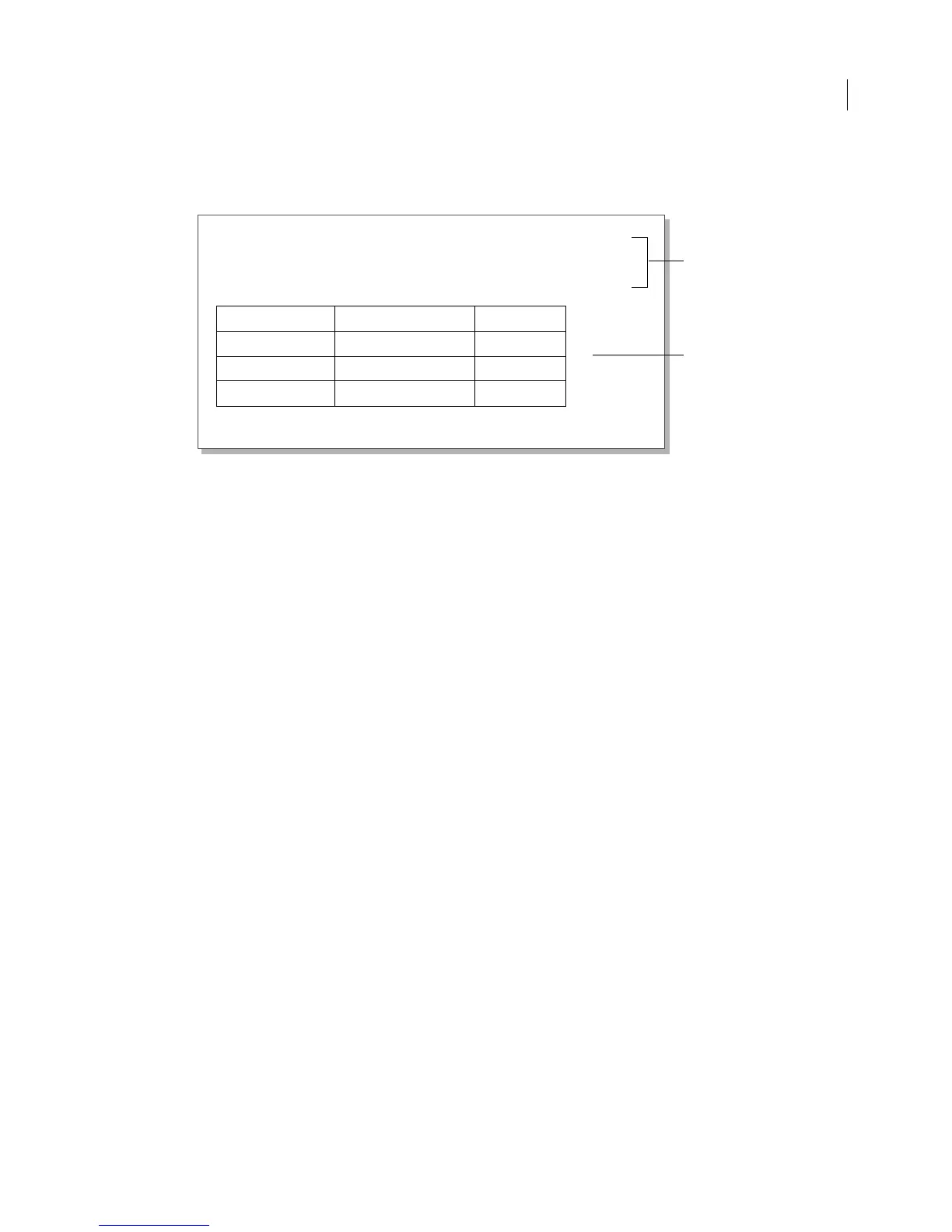
For example, suppose you need to publish a parts catalog. Each part has a name, a description, and a table that gives
pricing information. A typical record looks like this:
In the database, all the information about each part is associated with its record. Due to the structure of MIF,
however, the information must appear in different portions of the MIF file: the part name and description belong in
the
TextFlow statement, while the table belongs in the Tbls statement. To accomplish this, you can make the
following modifications to the design of the database procedure shown in the previous example.
• At the beginning of the procedure, create two text files—one for the main MIF file that will contain the MIF file
identification line and the main text flow and the other for the
Tbls statement.
• Use a second include statement to read in the Tbls statement
• As your procedure passes through each record, write the data that belongs in the TextFlow statement in the
main text file and write the table data to the
Tbls file.
If you are using 4th Dimension, the procedure should have the following statements:
vDoc:=CREATE DOCUMENT ("") `Prompts user to name main file.
vTbls:=CREATE DOCUMENT (Tbls.mif) `Hard codes name of include file.
SEND PACKET (vDoc;"<MIFFile
8.00> #File ID")
SEND PACKET (vDoc;"include (template.mif")
SEND PACKET (vDoc;"include (Tbls.mif")
As you process the records, you write the table data to the second include file by referring to the vTbls variable in a
SEND PACKET command. For example:
SEND PACKET (vTbls; "<Cell <CellContent"+CR)
The main MIF file would have the following components:
<MIFFile 8.00> # File ID
include (template.mif) # MIF template
include (Tbls.mif) # Table instances, created by
# the database
<TextFlow # Main text flow
...
> # end of text flow
When FrameMaker opens the main MIF file, it will use the two include statements to place the data and template
information in the required order.
Valve Box Lids
For 5.25" Shaft Buffalo style valve boxes. Lids come in three styles: water,
gas, and sewer.
Marking Stock Number Price
Water
367-5044 $11.36
Sewer
367-5046 $10.25
Gas
367-5048 $12.49
Put the part name and
description in a
TextFlo
statement.
Put the table in a Tbls
statement in a separate file



 To Next Page