ADOBE FRAMEMAKER 10
MIF Reference
256
To set up a live link between a graphic application and a FrameMaker document, you need to add functions to your
application to write out graphic data as a graphic inset.
A graphic inset consists of an
ImportObject statement that contains one or more facets for display and print. If
your application requires additional information not supported by the display and print facet, the graphic inset also
needs one or more application-specific facets to store this additional information.
The two types of graphic insets are internal graphic insets and external graphic inset files. Each type results in a slightly
different type of integration between FrameMaker and your application. You can choose the type of graphic inset
that your application supports. In most cases, one format is adequate, but you might want to give users more than
one option. Both types require a display and print facet.
External graphic insets
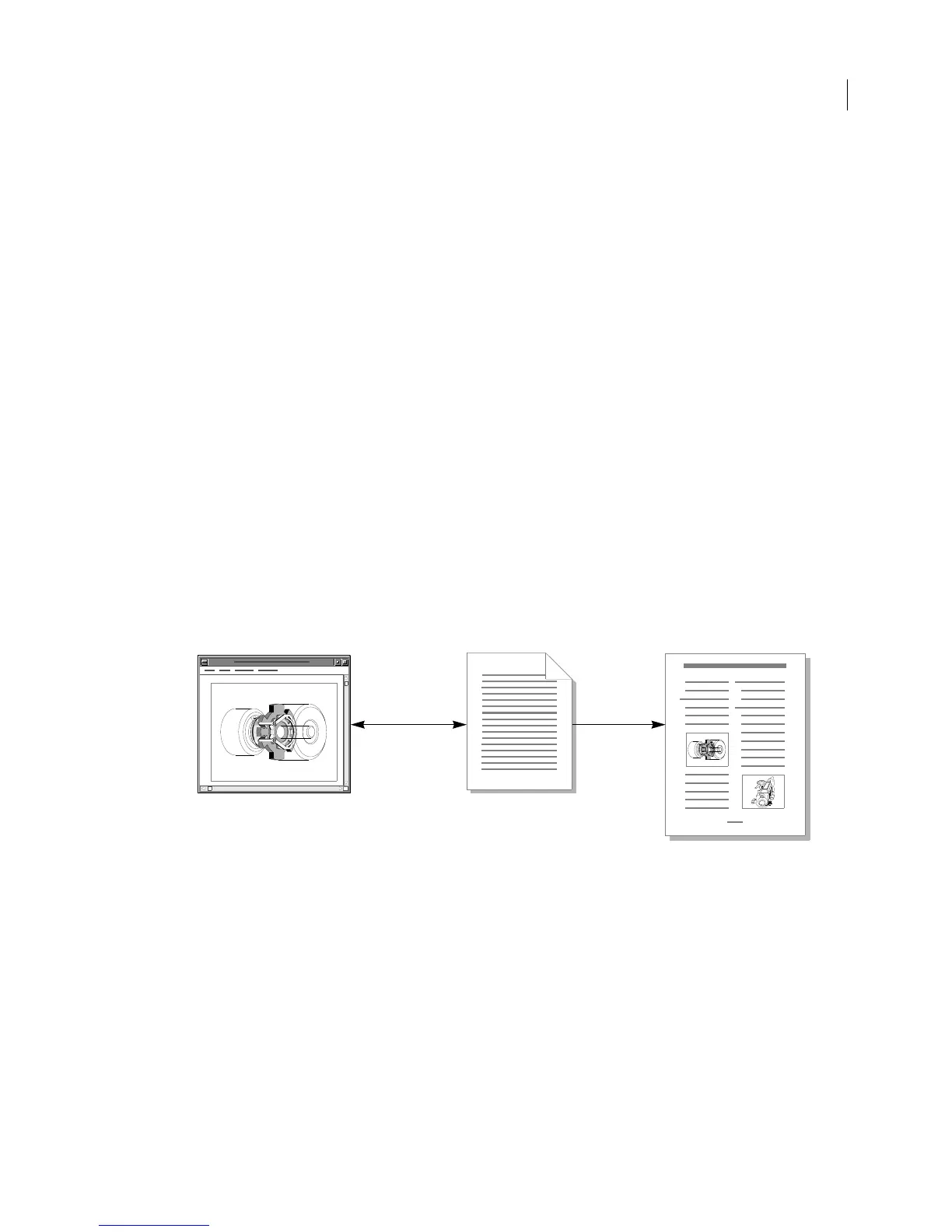
An external graphic inset file remains independent of the FrameMaker document. The FrameMaker document
contains only a pathname for the graphic inset file. Because the graphic inset data is not contained in the
FrameMaker document, users can access the graphic inset data from FrameMaker, from your application, or from
another application.
To edit an external graphic inset from FrameMaker, users must open FrameMaker document, select the graphic
inset, and choose the Graphic Inset command from the Special menu. FrameMaker passes the external graphic inset
filename to your application and instructs your application to edit the graphic inset. When users finish editing a
graphic inset, they issue your application’s command for pasting a graphic inset to FrameMaker, and FrameMaker
immediately updates the graphic inset file.
If users edit the graphic inset from another application, FrameMaker displays the updated graphic inset the next time
the document is opened. Note that if the graphic inset file is moved or deleted, FrameMaker will be unable to display
the data and will inform the user that the graphic inset is missing.
External graphic insets are best suited to situations in which users are documenting projects in progress or in which
the document’s graphics are updated by external sources (for example, by a database).
An external graphic inset file contains a
MIFFile statement and an ImportObject statement. The ImportObject
statement lists the graphic inset file’s pathname, the name of the inset editor that created it, and all of its facets.
An external graphic inset file has the following format:
<MIFFile 8.00>
<ImportObject
<ImportObEditor
inset_editor_name
>
<ImportObFileDI
device_independent_pathname
>
=
facet_name
&
data_type
Your graphic
application
FrameMaker document
External graphic inset
file



 To Next Page